


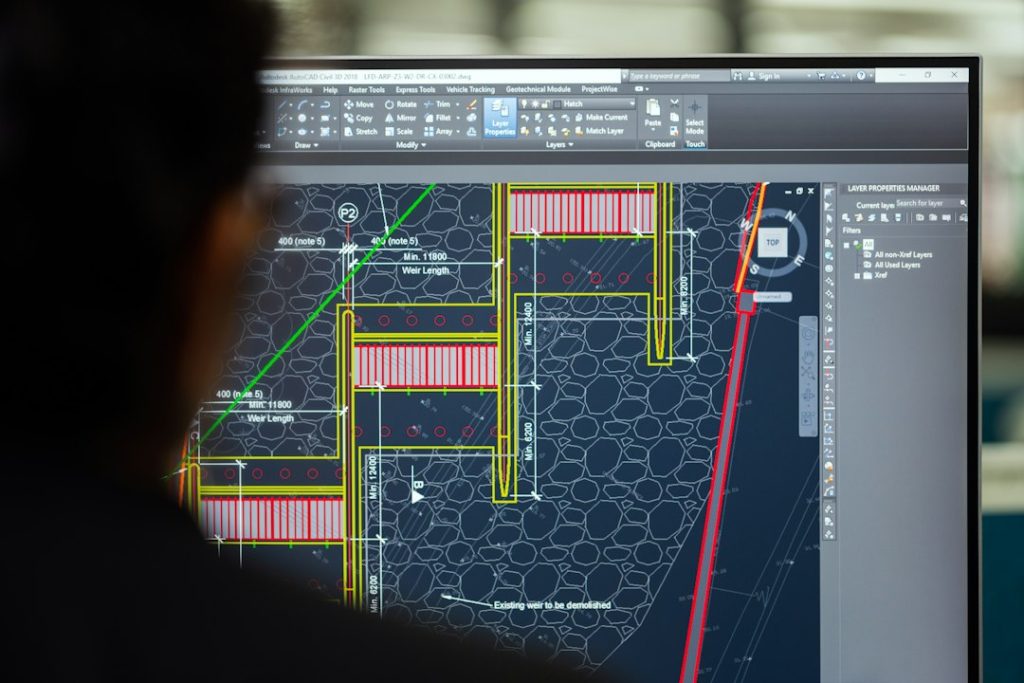
SolidWorks is the safest CATIA alternative for most mechanical design teams, while Siemens NX fits high-end manufacturing and Creo suits product companies that need strong parametric control. CATIA still has deep power in aerospace and automotive, but many teams do not need that cost or setup time. SolidWorks alone reports millions of users worldwide, which makes hiring and support easier for smaller firms [source: SolidWorks].
TLDR: SolidWorks is the best general pick, Siemens NX is the best fit for complex manufacturing, and Creo is strong for disciplined mechanical design. For example, a 12-person machine shop moving from CATIA to SolidWorks may cut training time by 30% to 40% because more engineers already know it. NX costs more to run well, but it can reduce handoff pain between design, simulation, and CAM. Creo sits in the middle, with very strong modeling but a learning curve that can annoy new users.
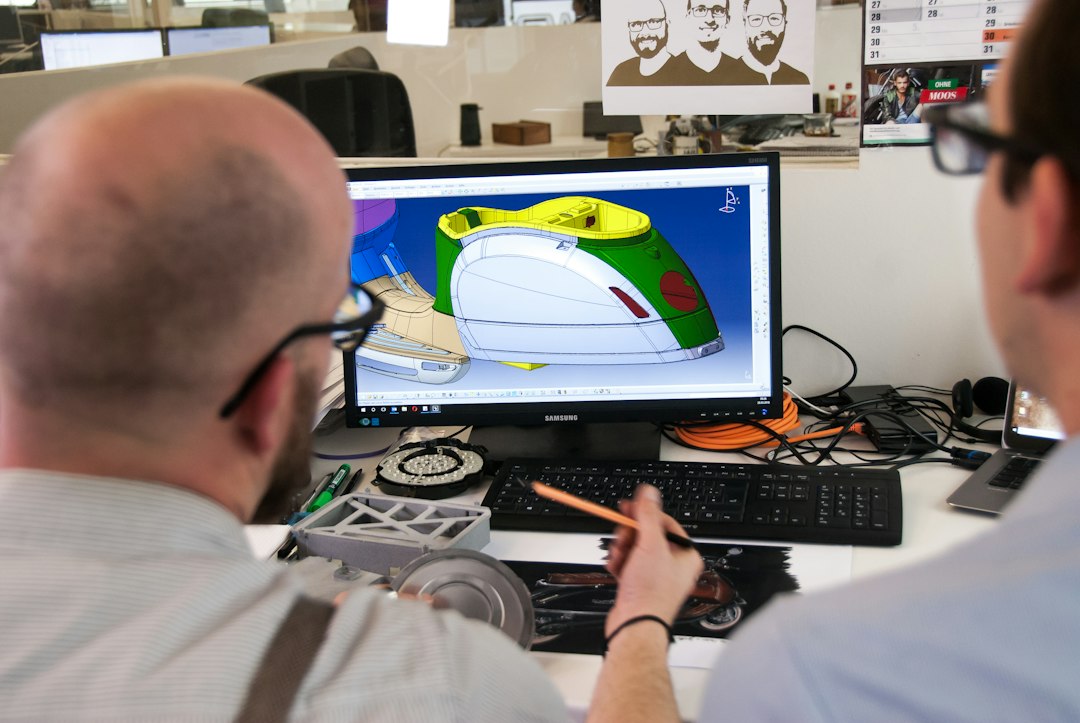
1. SolidWorks: Best all-around CATIA alternative
SolidWorks is the common choice for machine design, sheet metal, weldments, fixtures, and consumer products. Its interface feels easier than CATIA for many designers. Part modeling, assemblies, drawings, and basic simulation are simple to start.
It also has a huge ecosystem. That helps with hiring, training, file sharing, and vendor support. The catch is that large assemblies can still feel slow if the workstation is weak or the model structure is messy. Expect to waste time fixing mates when assemblies grow without rules.
- Best for: machinery, jigs, fixtures, product design
- Simulation: good for linear stress, motion, thermal, and basic flow
- Manufacturing: strong drawings, CAM options, sheet metal, and weldments
2. Siemens NX: Best for advanced manufacturing
Siemens NX is closer to CATIA in depth. It handles complex surfaces, big assemblies, advanced CAM, tool design, and production workflows. It is often used in aerospace, automotive, medical devices, and industrial equipment.
NX stands out when design and manufacturing must stay tightly connected. Its CAM tools are serious. Its simulation options are also broad when paired with the Siemens engineering stack. Honestly, it feels like overkill for a small team making simple brackets.
- Best for: complex products, tooling, CNC-heavy teams
- Simulation: strong when paired with Simcenter tools
- Manufacturing: excellent CAM, machining, inspection, and factory support
3. PTC Creo: Best for controlled parametric design
Creo is a strong CATIA replacement for companies that want strict design intent. It is powerful for engineered products with many variants. It supports robust parametric modeling, surfacing, sheet metal, assemblies, and model-based definition.
Creo is not always the friendliest tool on day one. It drives some teams crazy that simple workflows can take more clicks than expected. Still, once templates and rules are set, it becomes very reliable for repeatable product design.
- Best for: industrial products, electronics housings, configurable machines
- Simulation: good integrated analysis with stronger options available
- Manufacturing: solid CNC, mold, sheet metal, and drawing output
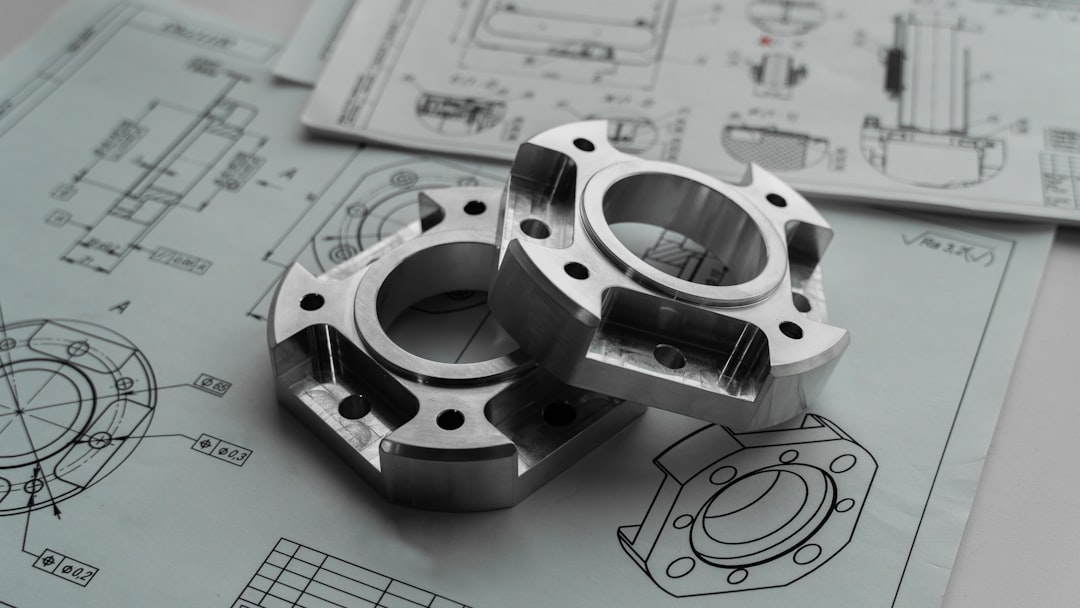
4. Autodesk Inventor: Best for Autodesk-based teams
Autodesk Inventor works well for teams already using AutoCAD, Vault, or other Autodesk tools. It is practical for machine design, plant equipment, frames, sheet metal, and documentation.
Inventor is easier to learn than CATIA and often cheaper to deploy. Its simulation tools cover common checks, not every advanced case. Manufacturing links are good, especially when paired with Autodesk CAM tools.
5. Solid Edge: Best value for Siemens-friendly teams
Solid Edge is often overlooked, which is a shame. It offers strong direct modeling and parametric modeling in one system. That helps when engineers must edit supplier files or old imported geometry.
It is lighter than NX but still connects well with Siemens tools. For mid-sized manufacturers, it can be a smart step down from CATIA without losing serious mechanical design features.
6. Fusion 360: Best for startups and small shops
Fusion 360 gives small teams CAD, CAM, simulation, electronics, and cloud file tools in one package. It is popular with startups, makers, CNC shops, and product designers.
Its integrated CAM is a major benefit. The downside is cloud dependence and less comfort with very large assemblies. Teams building complex aircraft interiors or huge industrial systems may outgrow it fast.
7. Onshape: Best cloud-native option
Onshape runs in a browser and keeps files in the cloud. That makes version control much cleaner than sending files through email. Multiple engineers can work on the same project without duplicate copies everywhere.
It is strong for distributed teams and fast product cycles. Its built-in data management is a big win. Yet some companies dislike browser-based CAD for security rules, offline work, or heavy manufacturing setups.
Quick comparison
- Best CATIA replacement for most teams: SolidWorks
- Best for advanced CAM and production: Siemens NX
- Best for strict parametric control: Creo
- Best for AutoCAD users: Inventor
- Best mid-range Siemens option: Solid Edge
- Best low-cost CAD/CAM bundle: Fusion 360
- Best for browser collaboration: Onshape

Which one should a team choose?
A small machine builder should usually start with SolidWorks or Inventor. A CNC-heavy business should compare NX, Fusion 360, and Solid Edge. A company with complex product families should test Creo. A remote team that hates file chaos should try Onshape.
The best choice depends less on feature lists and more on daily workflow. File control, training time, supplier formats, CAM needs, and simulation depth matter more than glossy demos.
FAQ
What is the best CATIA alternative for mechanical design?
SolidWorks is the best general option for mechanical design. It is easier to learn, widely used, and strong for parts, assemblies, drawings, and simple simulations.
Is Siemens NX better than CATIA?
NX can be better for teams focused on advanced manufacturing, CAM, and integrated production. CATIA may still be preferred in some aerospace and automotive workflows.
Is Creo better than SolidWorks?
Creo is often better for strict parametric design and complex product variants. SolidWorks is usually easier for smaller teams and faster to adopt.
Which CATIA alternative is best for simulation?
Siemens NX with Simcenter offers the strongest advanced simulation path. SolidWorks and Creo are good for common engineering checks.
Which option is best for manufacturing?
Siemens NX is the strongest manufacturing choice. Fusion 360 is also useful for small CNC shops that need CAD and CAM in one affordable package.