


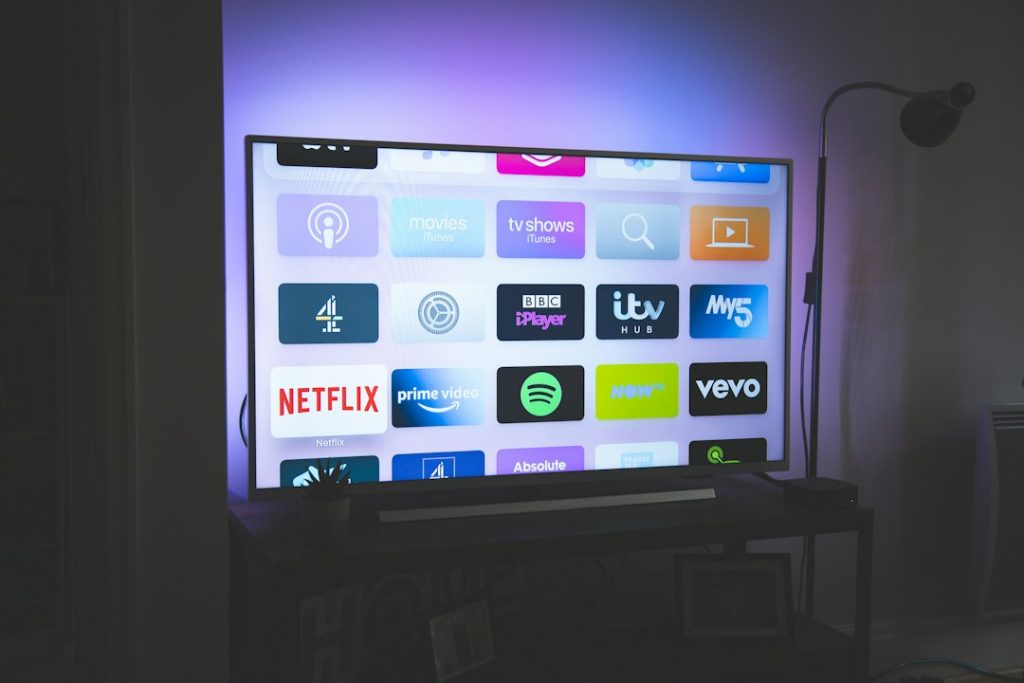
TiviMate is the best IPTV Smarters alternative for most playlist-heavy users, but it is not the only good choice. If you manage M3U links, Xtream Codes logins, EPG files, catch-up channels, and grouped favorites, the right app can save a lot of tapping. M3U playlists are widely used because they store media links in a simple text format [source: Wikipedia], which is why so many IPTV players support them.
TLDR: For Android TV and Fire TV, TiviMate is the cleanest IPTV Smarters-style app for daily viewing. For power users, OTT Navigator gives more control over filters, groups, and layout. If you have three playlists with 2,000 channels each, a good player can cut setup and channel sorting time from an hour to about 15 minutes. For a simple example, a family can keep sports, kids, and movies in separate groups instead of scrolling through one messy list every night.

1. TiviMate
Best for: Android TV and Fire TV users who want a polished, TV-like experience.
TiviMate feels closer to a cable box than most IPTV apps. The channel guide is smooth. Playlist groups are easy to arrange. Favorites are quick to build. You can add multiple playlists, link EPG sources, rename groups, hide junk categories, and keep your home screen clean.
The catch is that its best tools sit behind the paid version. That may annoy casual users. Still, if you watch IPTV often, the upgrade makes sense. It saves time every week.
- Playlist support: M3U and Xtream Codes
- EPG support: Yes
- Best feature: Fast channel guide and playlist organization
- Weak spot: No official iOS version
2. OTT Navigator
Best for: users who want deep control over playlists.
OTT Navigator is not as tidy as TiviMate at first glance, but it is very powerful. It lets you sort channels, apply filters, manage categories, use provider icons, make custom groups, and fine-tune the player behavior. If your provider dumps 8,000 channels into one giant list, this app helps bring order to the chaos.
Honestly, it feels like OTT Navigator was built for people who get irritated by messy playlists. That is a good thing. It gives you tools to fix the mess instead of just accepting it.
- Playlist support: M3U, Xtream Codes, and similar formats
- EPG support: Yes
- Best feature: Advanced filtering and category control
- Weak spot: Interface can feel busy at first
3. Televizo
Best for: users who want a simple app that does not feel bloated.
Televizo is a lighter IPTV player with a clean layout. It supports multiple playlists, favorite channels, parental control, EPG viewing, and basic channel grouping. It is a strong pick if IPTV Smarters feels too cluttered or if your device is older and slower.
It drives me crazy when an IPTV app takes five taps to reach a favorite channel. Televizo avoids most of that. It keeps things direct. Add your playlist, open a group, and watch.
- Playlist support: M3U and Xtream Codes
- EPG support: Yes
- Best feature: Simple layout with quick access
- Weak spot: Fewer advanced visual options than TiviMate
4. GSE Smart IPTV
Best for: people who switch between phones, tablets, and TV boxes.
GSE Smart IPTV has been around for years. It supports many playlist types and works across several platforms, including Android and iOS. That alone makes it useful for users who do not want one app on the TV and another app on the phone.
The interface is not the prettiest. Some menus feel older than they should. But it handles playlist imports well, supports EPG files, and gives users enough control to manage large channel lists without losing patience.
- Playlist support: M3U, JSON, and Xtream Codes in many versions
- EPG support: Yes
- Best feature: Broad device support
- Weak spot: Design feels dated
5. VLC Media Player
Best for: users who want a free, trusted player for basic IPTV playback.
VLC is not a full IPTV dashboard like IPTV Smarters. It does not offer the same polished channel guide or account-style layout. But it can open network streams and M3U playlists, which makes it useful for quick testing or simple viewing. VLC is also open source and available on many systems [source: VideoLAN].
Use VLC when you need to check if a playlist works. Use TiviMate, Televizo, or OTT Navigator when you want a proper living room setup.
- Playlist support: M3U and network streams
- EPG support: Not in the same smooth way as IPTV-focused apps
- Best feature: Free, flexible, and trusted
- Weak spot: Not ideal for large IPTV libraries
Quick Buying Guide
Pick your IPTV player based on how messy your playlists are. If you only have one small playlist, almost any app will work. If you manage several providers, thousands of channels, and multiple EPG links, choose a stronger tool.
- Choose TiviMate if you want the best Android TV experience.
- Choose OTT Navigator if you love filters, custom groups, and control.
- Choose Televizo if you want speed and simplicity.
- Choose GSE Smart IPTV if you need phone and tablet support.
- Choose VLC if you want a free backup player.
Final Pick
TiviMate is the top choice for most IPTV Smarters users who want better playlist control on a TV. OTT Navigator is the better fit for users with huge lists and strict sorting needs. Keep VLC installed as a backup. It is not fancy, but it can save the night when another app refuses to load a stream.