


Restaurant owners should reset a test WordPress restaurant site with WP Reset only after saving a backup, exporting menu data, and confirming orders are not live. Testing online ordering and menu plugins can leave behind sample dishes, fake checkout pages, coupons, tax settings, shortcodes, and cluttered database tables. WP Reset is built for this kind of cleanup and has 400,000+ active installations, making it a familiar choice for fast site resets after plugin trials [source: WordPress.org].
TLDR: A restaurant owner who tested three menu plugins and two ordering plugins should not delete items one by one. A controlled WP Reset can return the site to a clean WordPress setup in about 10 to 15 minutes instead of wasting 60 to 90 minutes removing pages, database leftovers, and settings by hand. For example, a pizza shop with 42 test dishes, 18 fake orders, and five checkout pages can reset the test site, reinstall only the winning plugin, and rebuild cleanly.
Why Restaurant Plugin Testing Gets Messy Fast
Restaurant websites attract plugins that create a lot of content. A menu plugin may add custom post types for dishes, labels, allergens, prices, categories, and opening hours. An ordering plugin may add carts, order forms, payment pages, tax rules, delivery zones, and email templates.
That is useful during testing. It becomes a pain later. Honestly, it feels like a simple plugin trial should take five minutes, yet cleanup can eat the better part of an afternoon. One deleted plugin may still leave tables in the database. Another may leave shortcodes on pages. A third may keep settings hidden in WordPress options.
What WP Reset Does
WP Reset helps site owners return a WordPress installation to a cleaner state. It is especially useful on staging sites, development copies, and fresh builds where no real customer data should be kept.
Depending on how it is used, WP Reset can remove site content, settings, and database changes made during plugin testing. It does not work like a normal uninstall button. It is more direct. That is why restaurant owners need a checklist before clicking reset.
The goal is not to “fix” a live restaurant site blindly. The goal is to clear out failed tests so the final online ordering system starts clean.
Before Using WP Reset
A restaurant owner or web manager should prepare first. This step matters most when the site has real visitors, bookings, gift card sales, or food orders.
- Create a full backup. Save both files and database.
- Confirm the site is a test copy. WP Reset is best used on staging or development sites.
- Export real menu data. Save dish names, prices, photos, allergens, and descriptions.
- Check for live orders. Do not reset if customer orders, payment logs, or booking requests must be kept.
- List the winning plugins. Note which menu, ordering, SEO, cache, and security tools will be installed again.
The catch is simple. A reset saves time only when the owner knows what should stay and what can go.
How a Restaurant Owner Can Reset the Site
The process should be calm and planned. A rushed reset can create worse problems than plugin clutter.
- Install WP Reset from the WordPress plugin directory.
- Take a database snapshot inside WP Reset before making changes, if the option is available.
- Review what will be deleted. Posts, pages, plugin settings, menus, and test content may be removed depending on the selected reset tool.
- Run the reset only on the test site. Never assume the current site is staging. Check the URL twice.
- Reinstall the chosen restaurant plugins. Add only the tools that passed testing.
- Rebuild the menu. Add categories such as starters, mains, desserts, drinks, delivery deals, and lunch specials.
- Test checkout again. Place a fake pickup order, a delivery order, and a failed payment test.
When a Reset Makes Sense
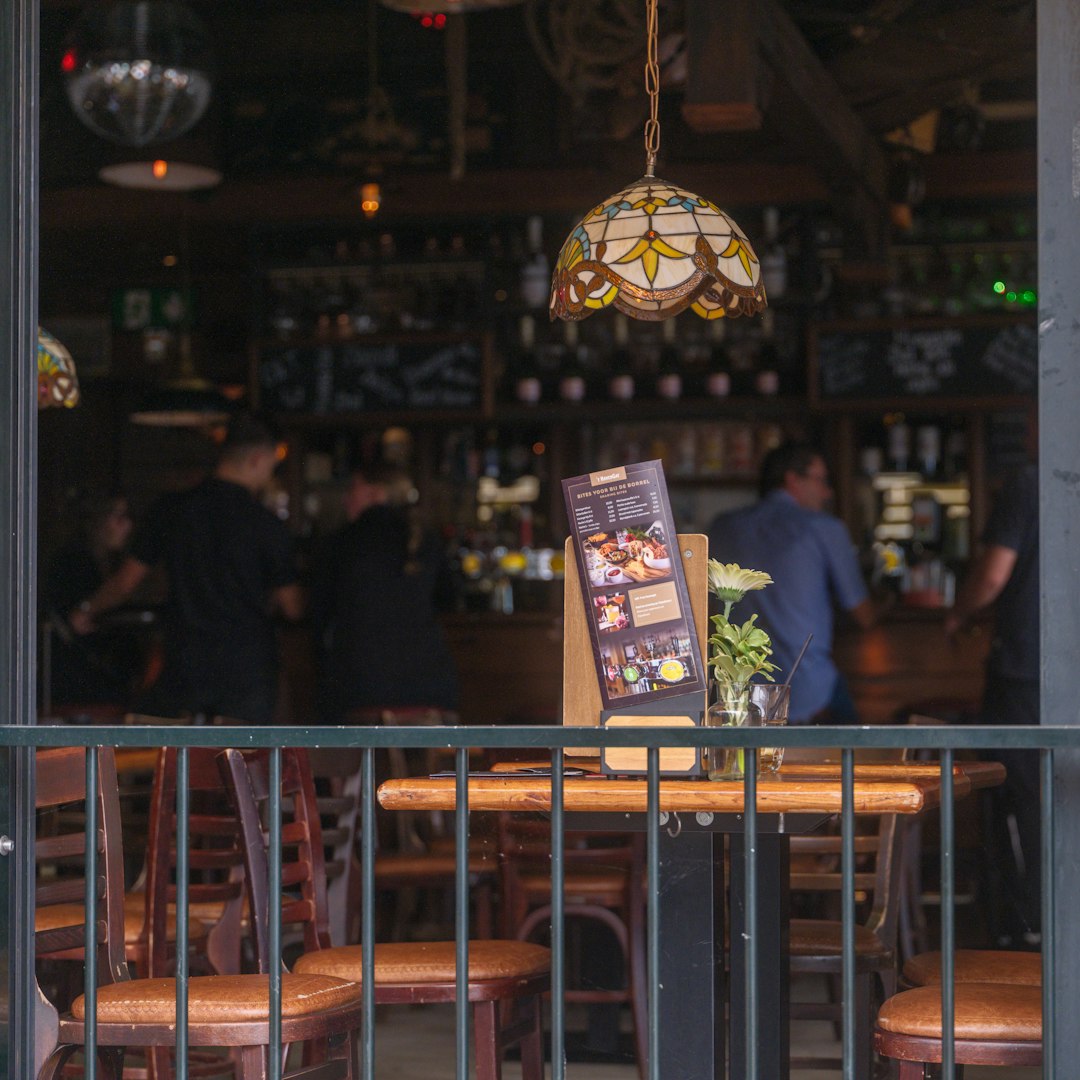
A reset is a good fit when the restaurant site is still being built. It also helps after testing plugins that were rejected. For example, a burger shop may test one plugin for table ordering, another for delivery zones, and another for QR code menus. After picking one, the other two should not leave clutter behind.
WP Reset also helps agencies that build restaurant sites. They can test layouts, ordering flows, and menu styles, then reset the installation before the final build. This keeps the site lighter and easier to manage.
When Not to Reset
WP Reset should not be used carelessly on a live restaurant website. If the site has months of blog posts, customer reviews, coupons, booking records, or WooCommerce orders, a full reset may remove data the business still needs.
In that case, the better move is selective cleanup. The owner can delete unused pages, remove old plugins, clear shortcodes, and ask a developer to inspect the database. It takes longer, but it protects business records.
After the Reset: Build Cleaner
Once the reset is complete, the restaurant should avoid installing every plugin again. That is how the mess starts.
- Use one menu plugin instead of three overlapping tools.
- Use one ordering system with clear pickup, delivery, and payment settings.
- Keep page names simple, such as Menu, Order Online, Reservations, and Contact.
- Test on mobile first. Most hungry customers will order from a phone.
- Keep backups scheduled. Weekly backups are a bare minimum for active sites.
A clean restaurant website is easier for staff too. They should not need to hunt through five menu screens just to change the price of fries by 50 cents.
FAQ
Can WP Reset be used on a live restaurant website?
It can, but it usually should not be. Restaurant owners should use it on a staging or test copy unless they fully understand what will be removed.
Will WP Reset delete unpaid or completed food orders?
If orders are stored in WordPress database tables affected by the reset, they may be lost. The owner should back up and export orders before doing anything.
Does WP Reset remove plugin files?
A standard reset focuses on site data and settings. Some tools inside WP Reset may offer deeper cleanup options, so each screen should be read carefully.
Should a restaurant reset after testing every plugin?
No. A reset makes sense after messy testing phases. Small plugin tests can often be cleaned up manually.
What is the safest workflow?
The safest workflow is simple: clone the live site, test plugins on the copy, choose the best setup, use WP Reset if needed, then rebuild the final version cleanly.