


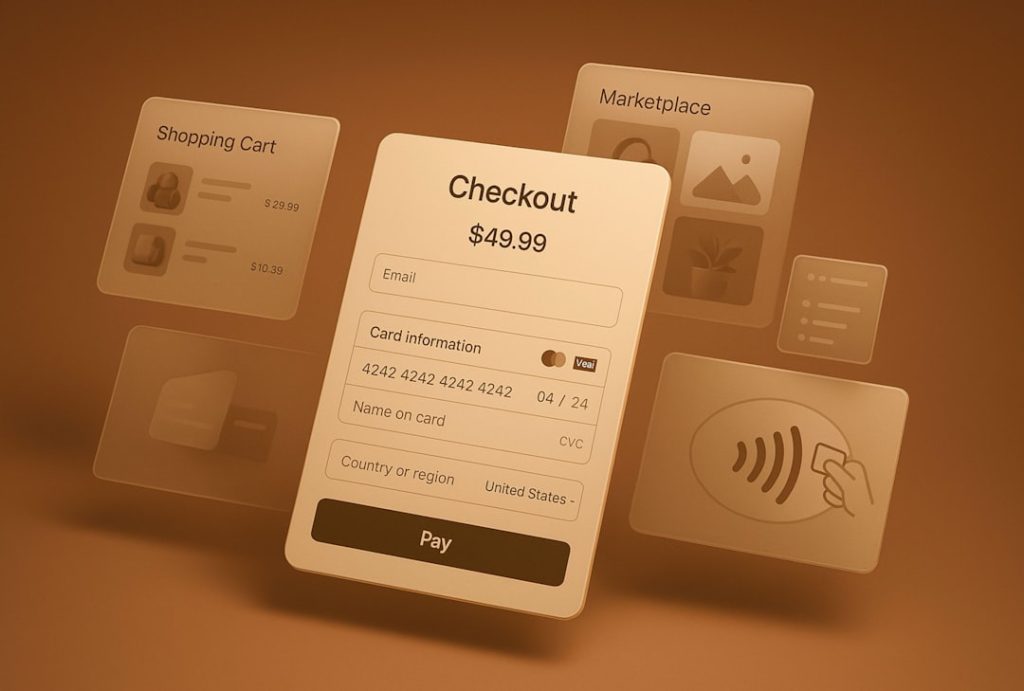
Custom ecommerce app development should start with one clear goal: make buying faster, safer, and easier than a generic store template can. A business should define its audience, core product flow, payment needs, and growth plan before writing any code. Mobile commerce keeps rising, with global retail ecommerce sales estimated in the trillions of dollars, which makes a focused app a serious sales channel rather than a side project [source: Statista].
TLDR: A custom ecommerce app works best when it is built around a small set of high-value features first, such as product search, cart, checkout, user accounts, and order tracking. For example, a fashion retailer with 25,000 monthly visitors may raise repeat purchases by adding saved sizes, wishlists, and push alerts for restocked items. If checkout takes 12 seconds instead of 30, fewer shoppers quit in frustration. The first version should be lean, tested with real users, and improved with analytics.
Define the Business Model First
An ecommerce app should not begin with colors, icons, or a giant feature list. It should begin with the sales model. A grocery app, a handmade goods marketplace, and a luxury skincare store all need different flows.
The team should answer a few basic questions:
- Who is buying? New visitors, loyal customers, wholesale buyers, or subscribers?
- What is being sold? Physical goods, digital items, bundles, services, or memberships?
- How will orders be fulfilled? Warehouse shipping, local delivery, pickup, dropshipping, or mixed methods?
- What makes the app useful? Speed, personalization, exclusive deals, loyalty rewards, or easier reordering?
This step sounds obvious. It often gets skipped. Honestly, it feels like many app projects lose weeks because nobody agreed on whether the app is for quick purchases, brand loyalty, or marketplace growth.
Plan the Core Features
A custom ecommerce app should launch with the features shoppers expect and the features the business can support. Too many extras can slow the app down and confuse users.
Essential customer features include:
- Simple registration through email, phone, Google, or Apple login.
- Product categories with filters for size, price, color, rating, and availability.
- Fast search with typo tolerance and product suggestions.
- Product pages with images, descriptions, reviews, stock status, and shipping details.
- Cart, wishlist, promo codes, and secure checkout.
- Multiple payment options, including cards, wallets, and local payment methods.
- Order tracking, returns, refunds, and customer support.
Essential admin features include:
- Product management.
- Inventory control.
- Order and refund management.
- Customer profiles.
- Discount rules.
- Sales reports.
- Role-based staff access.

Choose the Right Development Approach
The development path affects cost, speed, quality, and future changes. A business usually has three main options.
- Native app development: Separate apps are built for iOS and Android. This gives strong performance and full device access. It costs more and takes longer.
- Cross-platform development: One codebase powers both iOS and Android. Tools such as Flutter or React Native can reduce build time. This suits many retail apps.
- Progressive web app: A web app behaves like a mobile app through the browser. It is cheaper and easier to update, but it may lack some native features.
For many growing retailers, cross-platform development is the practical middle ground. It delivers a polished app without doubling the workload. Native development makes more sense when the app needs advanced camera features, heavy animation, or very high performance.
Design the Shopping Experience
Good ecommerce design removes friction. It does not try to impress users with needless effects. Shoppers want to find the product, trust the seller, pay, and move on.
The interface should use:
- Clear product photos with zoom and multiple angles.
- Short labels that make buttons obvious.
- Visible prices with taxes, fees, and delivery costs shown early.
- Guest checkout for users who refuse to create an account.
- Sticky cart access so shoppers do not hunt for it.
- Readable error messages when payment or address details fail.
It drives teams crazy when a checkout hides shipping fees until the last screen. That single surprise can kill trust. The app should show costs as soon as it can.
Build a Strong Backend
The backend handles the parts shoppers do not see. It stores products, users, orders, payments, coupons, and inventory. It also connects the app to warehouses, email systems, accounting tools, and customer support platforms.
A strong backend should support:
- Scalable databases for catalogs, orders, and customer data.
- APIs for mobile apps, web stores, and third-party tools.
- Real-time stock updates to prevent overselling.
- Secure authentication with encrypted passwords and session control.
- Role permissions for staff and administrators.
If the store already uses Shopify, WooCommerce, Magento, BigCommerce, or a custom ERP, the app may connect to that system instead of replacing it. This can save time, but poor integrations get messy fast. Expect to waste time on mismatched product fields if the catalog was never cleaned up.
Add Payments, Security, and Compliance
Security is not optional. An ecommerce app handles personal data, addresses, and payment actions. The business should use trusted payment processors rather than storing card details directly.
Common payment choices include Stripe, PayPal, Apple Pay, Google Pay, Klarna, Afterpay, and local bank methods. The right mix depends on the market.
The app should also include:
- SSL encryption.
- PCI-aware payment flows.
- Two-factor authentication for admin users.
- Fraud checks for suspicious orders.
- Privacy controls for GDPR, CCPA, or local rules.
Test Before Launch
Testing should cover more than whether buttons work. It should prove that shoppers can complete a purchase without confusion.
The quality assurance team should test:
- Search accuracy.
- Cart updates.
- Payment success and failure cases.
- Promo code rules.
- Refunds and cancellations.
- Slow network behavior.
- Different screen sizes.
- Push notifications.
User testing is just as useful. A small test group of 10 to 20 customers can reveal problems the development team missed. If five users cannot find the returns policy, the app has a design problem, not a user problem.
Launch, Track, and Improve
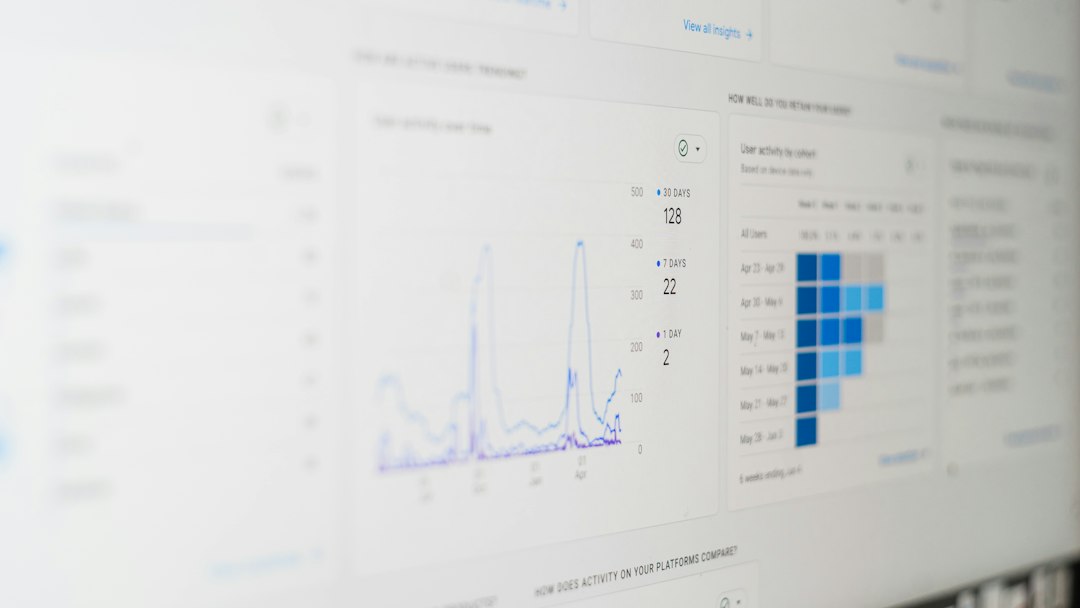
The first launch should be measured closely. Analytics should track installs, signups, product views, cart additions, checkout starts, purchases, returns, and repeat orders.
Key metrics include:
- Conversion rate: The share of visitors who buy.
- Cart abandonment rate: The share of shoppers who leave before payment.
- Average order value: The average spend per order.
- Retention rate: How many customers return.
- Customer lifetime value: Long-term revenue from each buyer.
After launch, the team can add smarter features. These may include personalized recommendations, loyalty points, subscriptions, in-app chat, visual search, barcode scanning, and AI-assisted support. Each feature should earn its place. If it does not improve sales, service, or retention, it can wait.
FAQ
How long does it take to develop a custom ecommerce app?
A basic version may take 3 to 5 months. A larger app with custom inventory, loyalty tools, marketplace features, and advanced integrations can take 6 to 12 months or more.
How much does a custom ecommerce app cost?
Costs vary widely. A lean cross-platform app may start in the tens of thousands of dollars. A complex app with custom backend systems, integrations, and high security needs can cost much more.
Should a business build native apps or use cross-platform development?
Cross-platform development suits most ecommerce apps because it saves time and supports both iOS and Android. Native apps are better for heavy performance needs or advanced device features.
What features should be built first?
The first version should include product browsing, search, cart, checkout, payments, user accounts, order tracking, admin controls, and analytics. Extra features can come after real usage data appears.
Can an ecommerce app connect to an existing online store?
Yes. Many apps connect to existing ecommerce platforms through APIs. This can preserve current products, orders, and customer records while adding a better mobile shopping experience.