


Many people use the words disc and disk as if they mean the same thing. But in technology, they are not identical. The spelling depends on the type of storage device. Understanding the difference matters, especially when you deal with data recovery. Whether you are trying to recover files from a scratched DVD or a damaged hard disk drive, knowing the correct term helps you understand the problem and solution.
What Is a Disc?
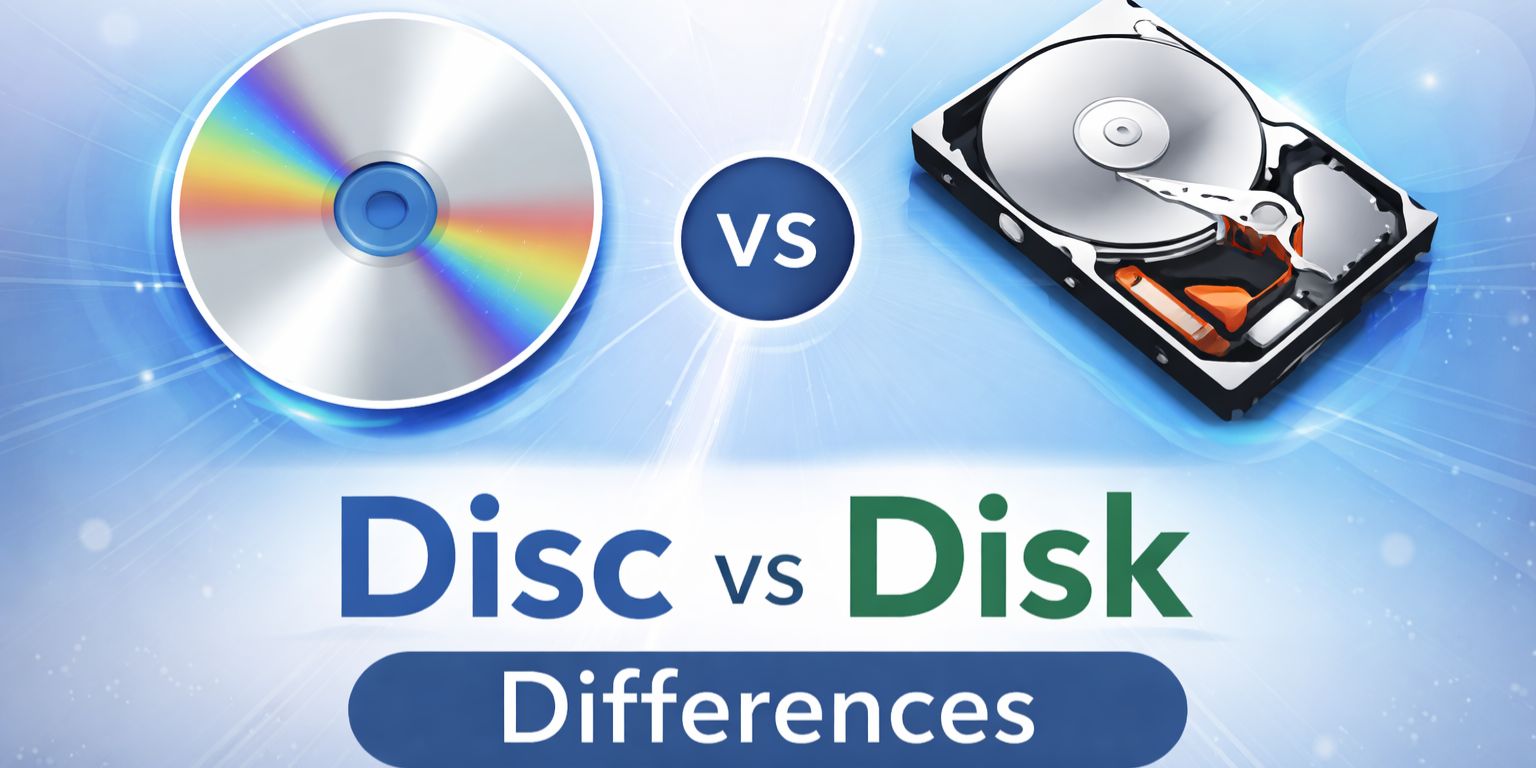
A disc usually refers to an optical storage medium. It stores data using laser technology instead of magnetic parts. Common examples include Compact Disc (CD), Digital Versatile Disc (DVD), and Blu-ray Disc. These discs have a flat, circular shape and store data in tiny pits and lands that a laser reads.
Optical discs were widely used for music, movies, and software distribution. CDs stored audio files. DVDs stored video and larger data files. Blu-ray discs increased storage capacity even more. Unlike hard drives, discs do not contain moving mechanical arms or spinning platters controlled by firmware. Instead, they rely on laser-based reading and writing.
Because of their physical design, discs are sensitive to scratches and surface damage. A deep scratch can interrupt laser reading and make data inaccessible.
What Is a Disk?
A disk usually refers to magnetic storage devices. The most common example is a Hard Disk Drive (HDD). Older computers also used floppy disks. A hard disk drive contains spinning platters coated with magnetic material. A read/write head moves across the surface to store and retrieve data.
Microsoft Windows often uses the spelling “disk” in terms like Disk Management, Disk Cleanup, and Disk Partition. In computing language, disk became associated with magnetic storage devices.
Solid State Drives (SSD) are different. They do not contain spinning platters. Instead, they use flash memory. Even though SSDs are not magnetic, the term disk is still used in operating systems to describe storage volumes.
Disks, especially HDDs, can suffer from sector damage, firmware failure, or mechanical wear. Unlike optical discs, disk failures can be either logical or physical.
Why Do “Disc” and “Disk” Have Different Spellings?
The spelling difference developed over time. Optical media manufacturers adopted the spelling “disc” to distinguish laser-based storage from magnetic storage. That is why you see Compact Disc and Blu-ray Disc.
Meanwhile, early computing systems used “disk” to describe magnetic storage devices. Microsoft Windows reinforced this usage. As a result, disk is now common in system tools and storage terminology.
Today, disc usually refers to optical media, while disk refers to magnetic or solid-state storage in computing environments.
Key Differences Between Disc and Disk
The difference goes beyond spelling. The technology behind each storage type affects performance and recovery options.
Here are the main differences:
- Storage Method
Disc uses laser technology. Disk uses magnetic storage or flash memory. - Physical Structure
Disc is flat and removable. Disk may be internal or external hardware. - Speed
Hard disks and SSDs are faster than optical discs. - Durability
Discs scratch easily. Hard disks can suffer mechanical damage. - Capacity
HDDs and SSDs store far more data than CDs or DVDs. - Usage
Discs are common for media playback. Disks are used for operating systems and data storage.
Data Recovery from Optical Discs
Recovering data from a disc depends mainly on physical condition. Scratches, cracks, or surface wear often prevent the laser from reading data correctly. If damage is minor, specialized disc recovery software may extract readable sectors.
However, if the disc has deep scratches or broken layers, recovery becomes difficult. Professional recovery services may attempt polishing or specialized laser reading techniques, but success is not guaranteed.
Unlike hard disks, optical discs do not support advanced file system repairs. Once the laser cannot read the track, recovery options become limited.
Data Recovery from Hard Disks and SSDs
Data recovery from a disk can involve logical or physical repair. Logical failure happens when the file system such as NTFS or FAT32 becomes corrupted. In such cases, disk recovery software may restore deleted or damaged files.
Physical damage is more serious. A hard disk drive can suffer head crashes, motor failure, or platter damage. Professional labs may disassemble drives in controlled environments to recover data.
SSDs present different challenges. They use firmware-based storage systems and wear-leveling algorithms. Data recovery from SSD often requires specialized tools and expertise. Once data is overwritten, recovery becomes nearly impossible due to how flash memory works.
When Is Data Recovery Possible?
Recovery depends on several factors.
- If the data has not been overwritten
- If physical damage is limited
- If firmware is still functional
- If backup copies exist
- If sector damage is partial
Quick action increases recovery chances. Continued use of a damaged disk can overwrite recoverable sectors.
Prevention Tips to Protect Your Storage Media
Protecting your data is easier than recovering it later.
- Create regular backups using external drives or cloud storage
- Store optical discs in protective cases
- Avoid exposing hard disks to shock or drops
- Use surge protectors to prevent electrical damage
- Monitor disk health using system tools
- Replace aging drives before failure
Prevention reduces stress and protects valuable data.
Conclusion
Disc and disk are not just spelling variations. Disc refers to optical media such as CD, DVD, and Blu-ray. Disk refers to magnetic or flash-based storage devices such as HDD and SSD. The difference affects how data is stored and how recovery works.
Optical discs suffer mainly from physical surface damage. Hard disks and SSDs face logical corruption or hardware failure. Understanding these differences helps you choose the right recovery method and protect your data better.
If you have faced data loss from a disc or disk, share your experience. It may help others avoid the same mistake.