


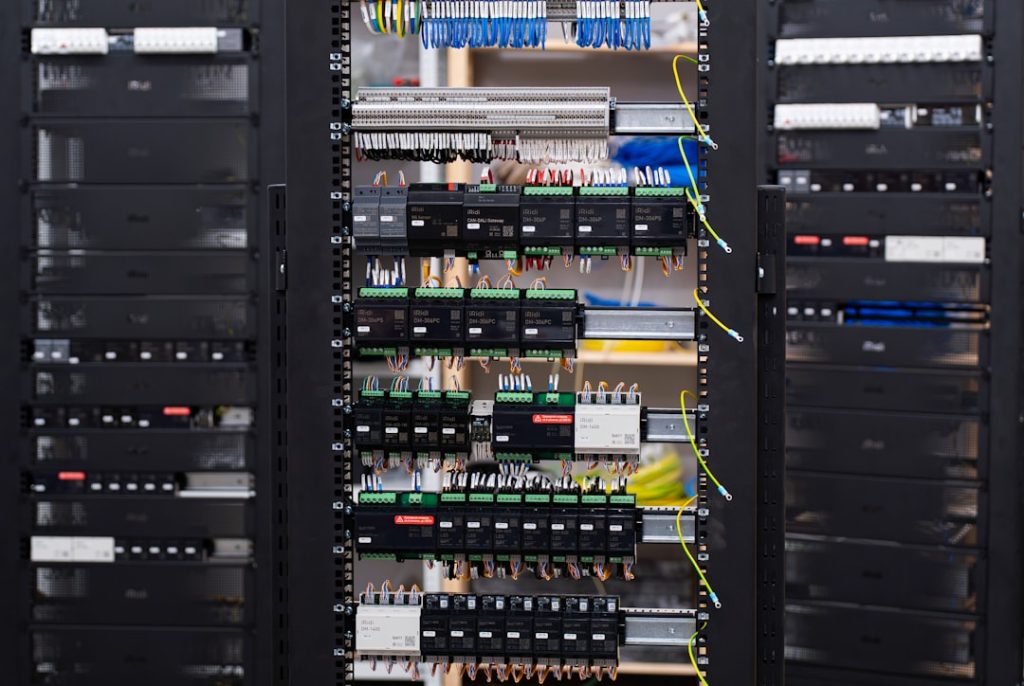
AWS P4d.24xlarge is a giant cloud machine built for serious AI work. Think of it as a race car for machine learning. It is fast. It is powerful. It is also not cheap. But if you need to train large AI models, run deep learning experiments, or process huge data sets, it can be a very useful beast.
TLDR: AWS P4d.24xlarge gives you 8 NVIDIA A100 GPUs, fast networking, and lots of memory for big AI training jobs. In the US East region, On-Demand pricing is often around $32.77 per hour, so a 10-hour training run may cost about $328 before storage and data fees. For example, a team training a computer vision model could move from a 3-day job on smaller GPUs to under 12 hours on P4d, if the code scales well. It is best for large workloads, not tiny test scripts.

What is AWS P4d.24xlarge?
P4d.24xlarge is an Amazon EC2 instance type. EC2 means you rent a virtual server from AWS. You pay for the time you use it. Simple idea. Big machine.
This instance is made for accelerated computing. That means it uses GPUs to do work much faster than CPUs alone. GPUs are great at doing many math operations at the same time. AI training needs a lot of that math. So GPUs and AI are best friends.
The P4d.24xlarge includes:
- 8 NVIDIA A100 GPUs with 40 GB GPU memory each.
- 320 GB total GPU memory.
- 96 vCPUs for general processing.
- 1.1 TB system memory.
- 8 TB local NVMe SSD storage.
- 400 Gbps networking with EFA support.
That is a lot of horsepower. It is not the laptop in your backpack. It is more like a mini supercomputer that lives in the cloud.
Why the A100 GPU matters
The star of the P4d show is the NVIDIA A100 Tensor Core GPU. This GPU was built for AI, high performance computing, and data analytics. It supports modern training formats like FP16, BF16, and TF32. These formats help models train faster while still keeping useful accuracy.
Each A100 in P4d has 40 GB of high bandwidth memory. Since the instance has 8 GPUs, your total GPU memory is 320 GB. This is helpful when your model is too big for one GPU. It also helps with large batch sizes.
In simple terms, more GPU memory means you can fit more data and bigger model pieces on the GPUs. Less waiting. Less juggling. More training.
The GPUs are also connected with NVSwitch. This lets them talk to each other very quickly. That matters because large AI jobs are often split across many GPUs. If the GPUs cannot communicate fast enough, they waste time waiting around. Nobody likes lazy GPUs.
GPU performance in plain English
A P4d.24xlarge can deliver massive AI performance. Across its 8 A100 GPUs, it can reach about 2.5 petaflops of FP16/BF16 tensor performance in ideal conditions. That is a very large number. It means the instance can do a silly amount of matrix math per second.
But here is the catch. Your real speed depends on your code, model, data pipeline, and framework. A messy training script can make a huge GPU machine feel slow. That is like buying a sports car and driving it in first gear.
To get good performance, you should use popular optimized tools, such as:
- PyTorch with distributed training.
- TensorFlow with GPU acceleration.
- NVIDIA NCCL for multi GPU communication.
- AWS EFA for fast networking between instances.
- DeepSpeed, Megatron LM, or similar tools for large models.

Pricing: how much does P4d.24xlarge cost?
P4d.24xlarge is powerful. And yes, it costs real money. On-Demand pricing changes by AWS region. In many common US regions, the price is often around $32.77 per hour for Linux On-Demand usage. Always check the current AWS pricing page before you launch.
Here is a simple cost example:
- 1 hour: about $32.77.
- 10 hours: about $327.70.
- 24 hours: about $786.48.
- 30 days nonstop: about $23,594.40.
That last number is why you should not leave this instance running by accident. A forgotten P4d is not a cute mistake. It is a spicy bill.
You may lower costs with:
- Spot Instances: often cheaper, but AWS can interrupt them.
- Savings Plans: good if you use compute often.
- Reserved Instances: useful for predictable long-term workloads.
- Short test runs: test small before launching big.
- Automatic shutdown scripts: boring but magical.
Spot can be great for fault tolerant training. For example, if your job saves checkpoints every 10 minutes, an interruption is annoying but not deadly. If your job saves nothing, Spot may become a tiny horror movie.
Best AI training workloads for P4d
P4d.24xlarge shines when the workload is large enough to use all 8 GPUs. It is not ideal for tiny experiments. If your model fits on one small GPU, this instance may be overkill.
Good use cases include:
- Large language model training and fine tuning.
- Computer vision with huge image data sets.
- Speech recognition and audio processing.
- Recommendation systems with large embeddings.
- Scientific simulations that use GPU acceleration.
- Distributed training across many P4d instances.
Imagine a retail company training a recommendation model on 2 billion user events. A small GPU server may take days. A P4d cluster may cut that time by 60% or more, depending on optimization. Faster training means more experiments. More experiments can mean a better model. Better model, more clicks. More clicks, happy business people.
Networking and storage: the hidden heroes
GPUs get the spotlight. But networking and storage matter a lot.
P4d has 400 Gbps networking. This is important when you train across multiple instances. The instances need to share gradients and model updates. If the network is slow, training slows down.
It also supports Elastic Fabric Adapter, usually called EFA. EFA helps reduce communication delays for distributed training. This is useful when you build big GPU clusters.
The instance also has 8 TB of local NVMe SSD storage. This is fast local storage. It is great for temporary training data, caching, and checkpoints. But remember: local instance storage is not permanent like Amazon S3. Back up important data.

When should you not use P4d?
P4d is amazing, but it is not always the right choice. Do not use it just because it sounds cool. That is how budgets disappear.
You may want a smaller instance if:
- Your model only uses one GPU.
- You are still debugging basic code.
- Your data pipeline is slow.
- You only need inference, not training.
- Your job runs for five minutes.
For early testing, use a smaller GPU instance first. Fix bugs there. Then scale to P4d when the job is ready. This is like practicing in a parking lot before entering the race.
Tips to get better value
Here are simple ways to avoid wasting money:
- Use mixed precision training. It can speed up training and reduce memory use.
- Save checkpoints often. This protects you from crashes and Spot interruptions.
- Monitor GPU usage. Aim for high utilization, not idle expensive silicon.
- Preload data efficiently. Starving GPUs with slow data is painful.
- Stop the instance when done. Seriously. Do it.
Final thoughts
AWS P4d.24xlarge is a powerful cloud instance for serious AI training. It gives you 8 NVIDIA A100 GPUs, fast storage, huge memory, and high speed networking. It can turn huge training jobs into shorter, more manageable runs.
But it is expensive. Use it with a plan. Test small. Scale smart. Watch costs. If your workload is large, optimized, and hungry for GPUs, P4d can be a fantastic tool. If not, it may just be a very fancy way to burn money in the cloud.