


Redirect outdated travel guides the moment the real world changes. Hotels close. Museums move. Ferries stop. Google says a 301 redirect tells search engines a page has moved for good [source: Google Search Central]. For a travel blog, that can save readers from booking a room that no longer exists.
TLDR: If an old guide sends people to stale tips, send that URL to a better page with WP 301 Redirects. For example, if your “Best Hotels in Lisbon 2021” post still gets 900 visits a month, but 4 of the 10 hotels closed, point it to a fresh Lisbon hotel guide. In a simple content cleanup, redirecting 25 outdated posts could protect thousands of readers from bad info. It also keeps your best links and traffic from going cold.
Why travel guides go stale so fast
Travel content ages like milk in the sun.
That cute guesthouse? Sold.
That rooftop bar? Now a dentist.
That “hidden beach”? It has a ticket booth and a line.
Travel blogs have a messy job. You write a great guide. It ranks. People share it. Then real life walks in wearing muddy boots.
It drives me a little nuts when an old post still gets traffic, but the best advice inside is wrong. Readers lose trust fast. Search engines may also notice poor engagement. Nobody wants a page where users bounce after 8 seconds because the hotel link is dead.
What to redirect, and what to update
Do not redirect every old post. Some pages just need a refresh.
Update the page if:
- The destination is still popular.
- Most hotels or attractions are still open.
- The page has strong traffic.
- You can fix it in under an hour.
Redirect the page if:
- The hotel has closed for good.
- The attraction moved and your page is no longer useful.
- The destination is unsafe, closed, or renamed.
- You have a newer guide that covers the same trip better.
- The post is thin, old, and not worth saving.
Keep it simple. If the old page cannot help a traveler, point it to one that can.
Meet WP 301 Redirects
WP 301 Redirects is made for this exact headache. It helps WordPress site owners create clean 301 redirects without touching code.
You can also view the plugin on WordPress.org here: WP 301 Redirects plugin.
For travel bloggers, this is handy because changes happen all the time. You may have hundreds of old city guides, hotel reviews, tour roundups, and “things to do” posts. Manually hunting broken URLs is not fun. Honestly, it feels like packing for a three week trip with only one sock.
Simple redirect examples for travel blogs
Here are easy matchups.
- Old page: /best-hotels-in-kyoto-2019/
- New page: /where-to-stay-in-kyoto/
- Old page: /visit-blue-lagoon-malta-guide/
- New page: /best-things-to-do-in-malta/
- Old page: /cheap-hostels-berlin-old-town/
- New page: /budget-hotels-in-berlin/
Try to send readers to the closest useful page. Do not dump everyone on your homepage. That feels lazy. It also makes readers work harder.

How to use WP 301 Redirects without overthinking it
- Install WP 301 Redirects in WordPress.
- Open the plugin settings.
- Add the old URL.
- Add the new URL.
- Set it as a 301 redirect.
- Save it.
- Test the old link in a private browser window.
That last step matters. Do not skip it. A typo can send readers to a 404 page, or worse, to the wrong city guide. Nobody searching for Rome hotels wants your Reykjavik packing list.
Build a monthly travel content cleanup habit
Set a recurring task. Once a month is enough for most travel blogs.
Check these pages first:
- Your top 20 traffic posts.
- Pages with affiliate hotel links.
- Old destination guides from 3 or more years ago.
- Posts with “best,” “cheap,” “2020,” or “things to do” in the title.
- Any page getting comments about closed places.
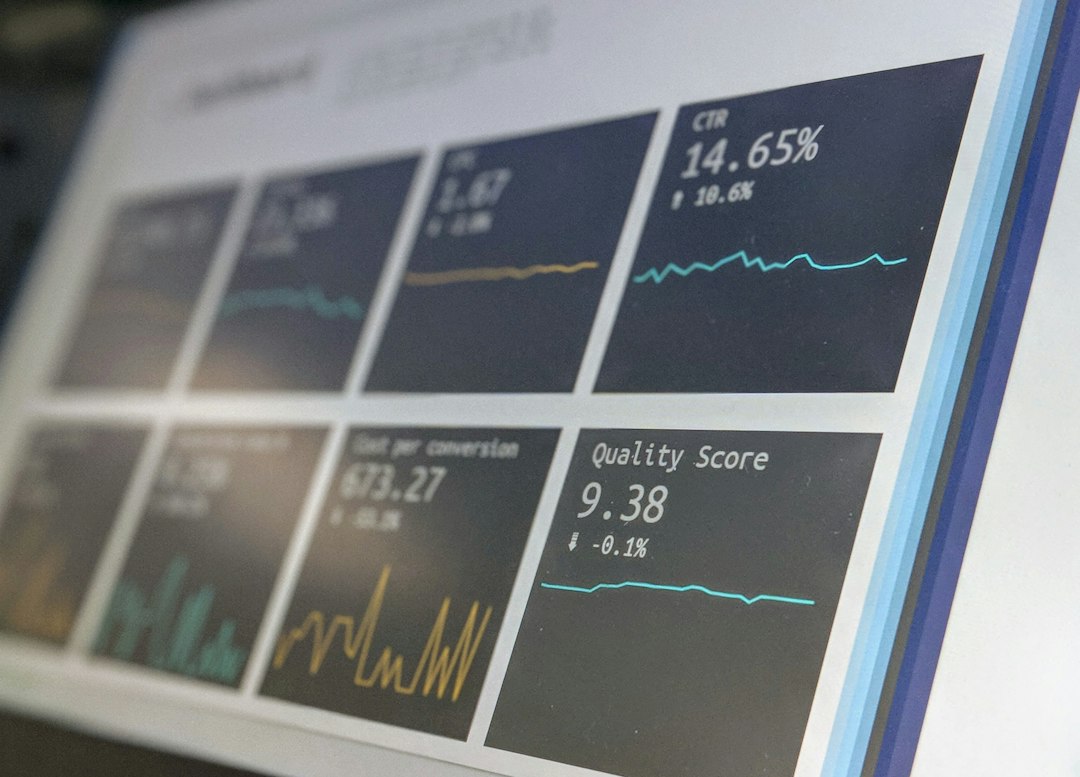
Use your analytics tool to spot pages with falling clicks or short visit times. If a guide dropped from 1,500 monthly visits to 400, check it. If people leave after 12 seconds, check it. Something may be broken.
Do not create redirect chaos
Bad redirects can create a weird maze.
Avoid these mistakes:
- Redirect chains: Page A goes to B, then B goes to C.
- Unrelated redirects: A Bali hotel review goes to a Paris food guide.
- Mass homepage redirects: Old posts all go to the homepage.
- Forgetting mobile tests: Many travel readers are on phones.
Keep the path short. Old page to best new page. Done.
When to delete instead
Sometimes a page has no good replacement. Maybe it got 3 visits last year. Maybe it has no links. Maybe it covered a tiny café that closed in 2017.
In that case, deletion may be fine. But if the page has backlinks, traffic, or past bookings, use a redirect. A dead page wastes any value it built.
The traveler comes first
A redirect is not just a tech fix. It is a promise.
You are telling readers, “That old tip is gone, but here is something better.”
Use WP 301 Redirects to keep your travel blog clean, useful, and less embarrassing. Your readers get fresher advice. Your old links keep working. And you get fewer angry comments from someone who walked 30 minutes to a closed dumpling shop.