



NOW is the closest app to Sky TV My for most people, but YouTube TV, Hulu + Live TV, and Fubo are also strong picks if you want live channels plus shows on demand. People still watch a lot of TV and video each day, with Ofcom reporting an average of over 4 hours per person in the UK [source: Ofcom]. So yes, picking the right app still matters. A bad app can ruin pizza night. That is not drama. That is science.
TLDR: Pick NOW if you want the most Sky-like feel without a full Sky contract. Pick YouTube TV or Hulu + Live TV if you are in the US and want lots of live channels. Pick Fubo if sport is the big reason you stream. For example, if your home watches 15 hours of TV a week, a smooth app can save you 20 to 30 minutes of menu hunting every week.

1. NOW
Best for: Sky-style entertainment, movies, and sport without the big box.
NOW is the easy first choice. It is owned by Sky. So it feels familiar. You can get passes for Entertainment, Cinema, and Sports. You only pay for the type of content you want.
This is great if you only care about football for a few months. Or if you want HBO-style shows one month and movies the next. No need to keep everything forever.
- Live TV: Yes, with selected Sky channels.
- On-demand: Yes, with box sets, films, and catch-up shows.
- Best feature: Flexible monthly passes.
- Annoying bit: Full HD and extra screens may cost more.
Honestly, it feels like paying extra for basic picture quality is a bit cheeky. Still, the content is strong. If you want the closest Sky TV My match, start here.
2. YouTube TV
Best for: Families who want a big live TV bundle.
YouTube TV is not the same as normal YouTube. It is a full live TV service. You get major channels, sports, news, shows, and cloud DVR. The app is clean. Search is fast. That part is no shock. Google knows search.
It works best in the US. If you live elsewhere, this may not be available. That is the first thing to check.
- Live TV: Yes, with many major channels.
- On-demand: Yes, including many network shows.
- Best feature: Unlimited cloud DVR storage.
- Annoying bit: The price has gone up over time.
The DVR is the star. Record sports, news, and shows. Watch later. Skip the panic. If your family records 10 shows a week, this feels very handy.

3. Hulu + Live TV
Best for: People who want live channels and a huge show library.
Hulu + Live TV mixes two things. You get live TV channels. You also get Hulu’s on-demand shows and films. In many plans, you get Disney+ and ESPN+ too. That makes it feel like a big bundle in one place.
This is a smart pick if you hate jumping between apps. It drives me crazy when a film is in one app, the next episode is in another, and sport is hiding somewhere else. Hulu fixes some of that mess.
- Live TV: Yes, with news, sport, and entertainment.
- On-demand: Yes, with a deep Hulu library.
- Best feature: A strong bundle for households.
- Annoying bit: Menus can feel crowded.
Hulu + Live TV is great for mixed homes. One person wants reality TV. One wants cartoons. One wants sport. Nobody wants another password fight. This app keeps things fairly simple.
4. Fubo
Best for: Sports fans who also want regular TV.
Fubo started with sport. That still shows. It is a strong choice for football, basketball, baseball, and other live events, depending on your region and plan. You also get entertainment and news channels.
The app is built around live viewing. That is good for match day. It feels quick. You can jump into games without too much fuss. Expect to waste time checking plan details, though. Sports rights are messy. Some events may not be in your area.
- Live TV: Yes, with a strong sports focus.
- On-demand: Yes, for many shows and events.
- Best feature: Great for live sports fans.
- Annoying bit: Some plans get expensive fast.
If sport is your main thing, Fubo should be on your list. If you mostly watch dramas and films, NOW or Hulu may suit you better.
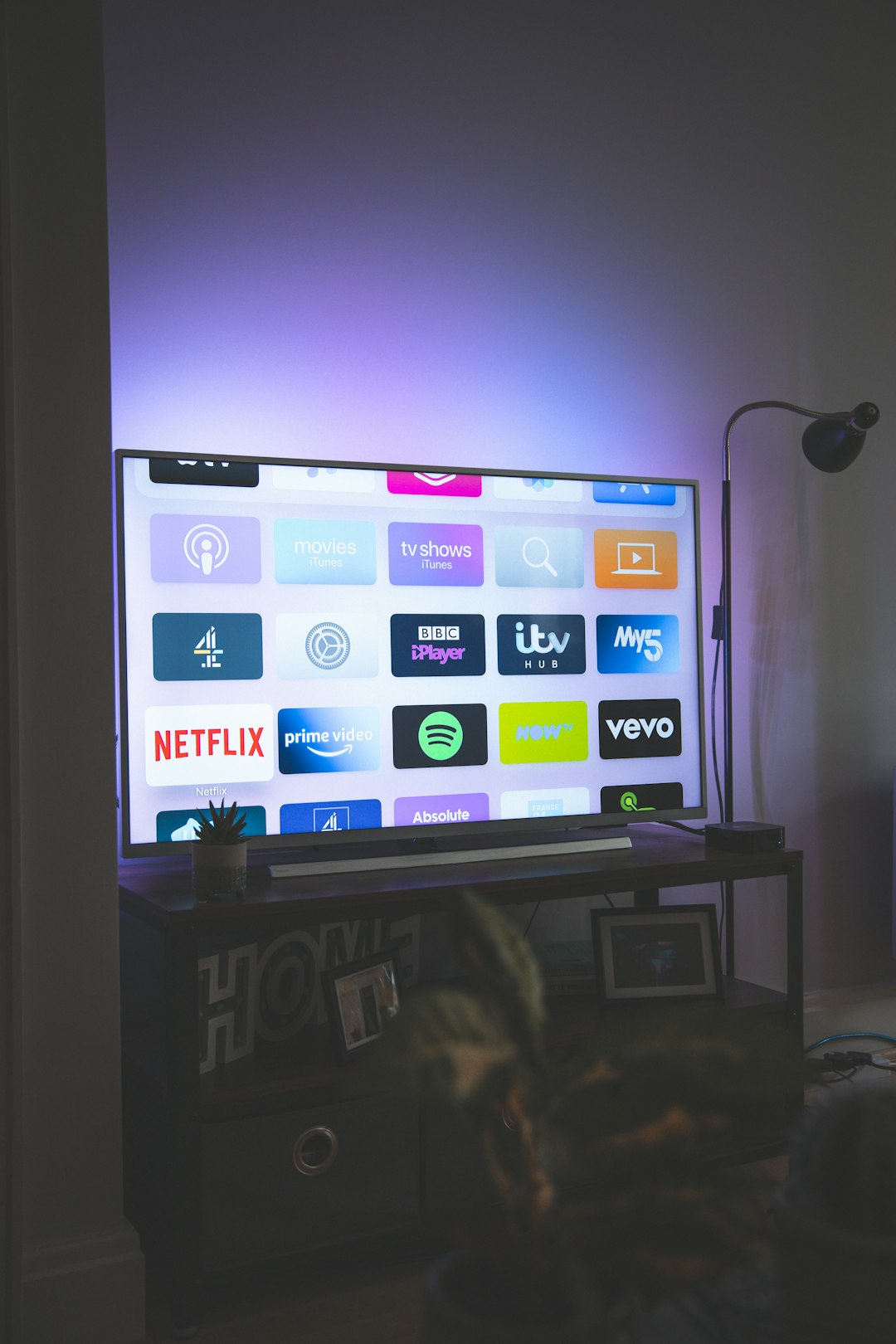
Quick App Match Guide
- Choose NOW if you want Sky channels with less commitment.
- Choose YouTube TV if you want live TV, DVR, and a clean app in the US.
- Choose Hulu + Live TV if you want live channels plus loads of shows.
- Choose Fubo if live sport is the main event.
What to Check Before You Pay
Do not sign up too fast. Check the channel list first. Then check device support. Your smart TV, phone, tablet, and streaming stick should all work.
Also check streams per account. A family of four can burn through screen limits fast. Two screens may sound fine. Then Saturday night arrives. Suddenly, everyone wants something different.
Look at these points:
- Price: Is it monthly, yearly, or tied to a bundle?
- Free trial: Can you test it first?
- Ads: Are they included?
- Sports rights: Are your teams actually covered?
- Picture quality: Is HD or 4K included?
The best app is not always the one with the most channels. It is the one you will use without muttering at the remote. For a Sky TV My style setup, NOW is the safest first pick. For bigger live TV bundles, try YouTube TV, Hulu + Live TV, or Fubo.