


Use Safari settings for a deep clean, Firefox Focus for a one-tap wipe, and DuckDuckGo for the fun flame button. Cookies are tiny site files that remember logins, carts, and ad clues. Apple says clearing Safari history also removes cookies and other browsing data from your iPhone [source: Apple].
TLDR: Safari gives you the most control, but it takes the most taps. Firefox Focus is fastest because one trash button clears the session. DuckDuckGo is the most satisfying because its Fire Button burns cookies and tabs in one go. Example: if you checked 5 sneaker stores and now every ad screams “BUY THE SHOES,” clearing cookies can stop that creepy follow-up.
Safari: best for a full cookie cleanup
Safari is the default iPhone browser. So it is usually where the cookie crumbs pile up first.
The big win is control. You can erase all website data. Or you can remove cookies from one annoying site. That is handy when one page keeps breaking, but you do not want to log out of everything.
To remove all Safari cookies on iPhone:
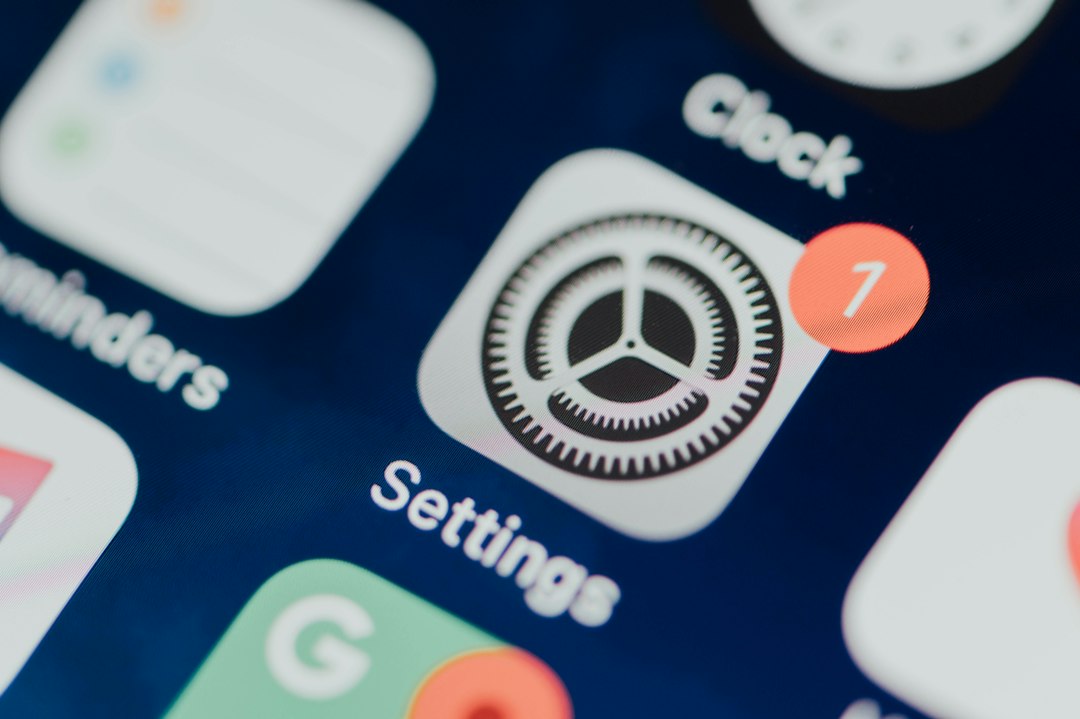
- Open Settings.
- Tap Safari. If you do not see it, tap Apps first.
- Tap Clear History and Website Data.
- Choose the time range if your iPhone shows that option.
- Tap Clear History.
To remove cookies for one site only:
- Open Settings.
- Tap Safari.
- Scroll down and tap Advanced.
- Tap Website Data.
- Search for the site.
- Swipe left on it and tap Delete.
The catch is… Safari hides the single-site cookie tool at the bottom of a settings maze. Expect to waste 20 seconds more than you wanted. Classic phone settings stuff.
Firefox Focus: best for quick privacy
Firefox Focus is built for people who do not want a big cleanup day. It is more like a paper shredder. Use it. Tap the button. Gone.
Cookies in Firefox Focus mostly live for the current browsing session. When you erase the session, you clear cookies, history, and open pages. Nice and clean.
To remove cookies in Firefox Focus:
- Open Firefox Focus.
- Look for the trash can icon.
- Tap it.
- That is it. Your session is cleared.
This is the best choice if you share your iPhone for quick searches. Say your friend borrows your phone to compare hotel prices. Tap the trash can after. No hotel ads. No weird search leftovers. No awkward “why were you looking at that?” moment.
Honestly, it feels like every browser should have this button. One tap should be normal. Firefox Focus gets that part right.
Good for:
- Private searches.
- Shopping without ad trails.
- Checking medical or money topics.
- Loaning your phone for a minute.
Not great for:
- Staying logged into sites.
- Saving carts.
- Keeping browsing tabs for later.
DuckDuckGo Browser: best for fun cleanup
DuckDuckGo has the most dramatic cookie cleaner. It uses a Fire Button. Tap it, and your tabs and browsing data get cleared. It even has a little animation. Tiny joy. Big cleanup.
To remove cookies in DuckDuckGo Browser:
- Open DuckDuckGo.
- Tap the flame icon.
- Tap Clear Tabs and Data.
- Watch the fire do its thing.
DuckDuckGo also has a feature called Fireproof Sites. These are sites you allow to stay logged in. That means their cookies may stick around when you use the Fire Button.
To remove fireproof cookies:
- Open DuckDuckGo.
- Tap the menu or settings icon.
- Go to Fireproof Sites.
- Remove any site you no longer trust.
- Use the Fire Button again.
This is great if you want privacy without becoming a login goblin. Keep your bank or email fireproofed if you want. Burn the rest.
Safari vs Firefox Focus vs DuckDuckGo: which should you use?
Pick Safari if you use iCloud tabs, Apple Pay, Reader View, and normal daily browsing. It is the most complete browser. It also lets you delete cookies from one site. That is useful when only one website is acting cursed.
Pick Firefox Focus if you want the fastest cleanup. It is perfect for short private sessions. Search, read, erase. Done.
Pick DuckDuckGo if you want privacy with a bit more comfort. The Fire Button is simple. Fireproof Sites are helpful. Just remember that fireproof means “do not delete this site’s data.” Check that list now and then.
What happens after you remove cookies?
You may get logged out. Shopping carts may empty. Sites may forget your language, city, or dark mode choice. Some pages may also feel cleaner because old broken data is gone.
Ads may still appear. Sorry. Cookies are only one tracking method. Apps, account logins, device settings, and email links can also affect ads. Annoying? Yes. Magic fix? No.
Quick cleaning schedule
- Daily: Use Firefox Focus or DuckDuckGo for sensitive searches.
- Weekly: Clear Safari website data if ads get too personal.
- Monthly: Review DuckDuckGo Fireproof Sites.
- When a site breaks: Delete only that site’s Safari data first.
Final pick: For most iPhone users, keep Safari for normal browsing and use DuckDuckGo or Firefox Focus for private moments. It is simple. It is quick. And it keeps fewer cookie crumbs stuck to your phone.