



Regex turns messy SEO data into neat little piles you can actually use. It helps you filter Search Console queries, group URLs, spot errors, and find patterns fast. Think of it as a tiny search robot that understands shapes, not just words.
TLDR: Regular expressions, or regex, help SEOs filter huge lists of queries and URLs with short pattern rules. For example, ^(how|what|why) can find question searches that start with “how,” “what,” or “why.” In one simple audit, a site with 18,000 indexed URLs found that 22% of traffic came from “how” queries, but only 6% of those pages had clear FAQ sections. That is a quick content win.
What Is Regex In Plain English?
Regex is a way to search for patterns.
Not exact words. Patterns.
That is the magic.
If normal search is “find this word,” regex is “find anything that looks like this.” It can catch groups of URLs, query types, file names, dates, numbers, parameters, and odd junk that should not be indexed.
For SEO, that is very handy. Search Console is full of messy data. Crawlers return endless URL lists. Log files look like soup. Regex helps you sort the soup.
Honestly, it feels like Google Search Console wants you to click around forever. A regex filter can save 20 minutes in one report. Sometimes more. Your wrist will thank you.
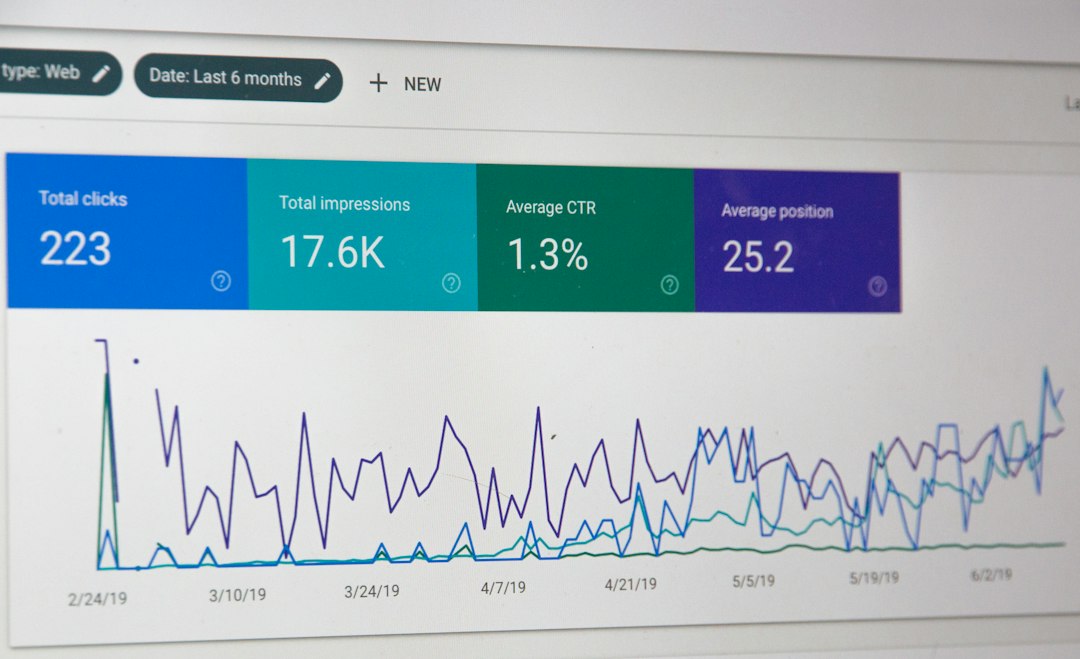
Why Regex Matters For SEO
SEO work often means finding patterns at scale.
You may need to answer questions like:
- Which queries include buyer intent words?
- Which blog posts drive informational clicks?
- Which URLs contain tracking parameters?
- Which product pages use old templates?
- Which pages end in a trailing slash?
- Which URLs should not be indexed?
You could filter these by hand. You could also eat cereal with tweezers. Both are possible. Neither is fun.
Regex In Google Search Console
Search Console supports regex in performance filters. This is where regex gets really useful.
You can filter queries or pages by pattern. This helps you group intent, topics, page types, and brand terms.
Find Question Keywords
Use this pattern:
^(who|what|where|when|why|how)\b
This finds queries that start with common question words.
Use it to find FAQ ideas. Use it to improve headings. Use it to add short answers near the top of pages.
Example: If your “how” queries get 12,000 impressions but only a 1.1% CTR, your title tags may be weak. Add clearer answers. Add numbers. Add intent words.
Find Commercial Intent
Try this:
(best|top|buy|cheap|price|review|vs|alternative)
This catches searches with buying signals.
If these queries have good impressions and low clicks, fix snippets. Buyers are close to action. Do not make them guess.
Separate Brand And Non Brand
For brand queries, use:
(yourbrand|your brand|common misspelling)
For non brand queries, use a negative regex filter if your tool supports it.
This helps you see real organic growth. Brand traffic is nice. But non brand traffic shows reach.
Regex For URL Research
URLs tell stories. Some are clean. Some are cursed.
Regex helps you group URLs by type.
For example:
^/blog/finds blog URLs.^/products/finds product pages.\?finds URLs with parameters.\.pdf$finds PDF files./page/[0-9]+finds paginated pages.
That last one may catch pages like /blog/page/2 or /category/page/14.
This is useful when you export URLs from a crawler. You can group the mess fast. Then you can ask better questions.
- Are product pages getting crawled too slowly?
- Are tag pages indexed by accident?
- Are old campaign URLs still live?
- Are PDFs stealing clicks from better HTML pages?

Regex For Technical Audits
Technical SEO audits can get ugly. Regex makes them less ugly.
Use it to find risky URL patterns, broken rules, and weird leftovers.
Find Parameter Problems
Try:
[?&](utm_|fbclid|gclid|sort=|filter=)
This can find tracking and sorting parameters.
Too many parameter URLs can waste crawl budget. They can also create duplicate content. Google may ignore many of them, but do not bet your whole site on “may.”
Find Staging Or Test URLs
Use:
(staging|test|dev|old|backup)
This can uncover embarrassing URLs.
Expect to waste time on this if nobody cleaned up after a migration. It drives me crazy when a “temporary” test folder from 2021 is still indexable. Yet it happens. A lot.
Find File Types
Use:
\.(pdf|docx|xlsx|zip)$
This finds file URLs.
Some files are fine. Some are a problem. For example, an old price list PDF may outrank your current pricing page. That is not cute.
Simple Regex Cheat Sheet For SEOs
You do not need to become a programmer. Learn a few symbols first.
^means “starts with.” Example:^/blog/$means “ends with.” Example:\.pdf$|means “or.” Example:buy|price|review()groups things. Example:(how|what|why).means any character..*means any characters, any amount.\dmeans a digit.[0-9]+means one or more numbers.\bmeans word edge.
A quick warning. The dot is greedy. It matches almost anything. If you use .* everywhere, your filter may catch too much. Regex is powerful. It is also a tiny goblin.
Useful SEO Regex Examples
Here are practical patterns you can copy and adjust.
Find Blog Posts With Year Dates
/20[0-9]{2}/
This finds years like 2020, 2021, and 2024 in URLs.
Use it to detect old dated content. Then update titles, intros, data, and screenshots.
Find Long URL Slugs
^.{100,}$
This finds URLs or strings with 100 or more characters.
Long URLs are not always bad. Still, they can hint at messy structure.
Find Uppercase URLs
[A-Z]
Uppercase URLs can create duplicate issues on some servers.
Check canonical tags. Check redirects. Fix the pattern if needed.
Find URLs Ending Without Slash
[^/]$
This finds URLs that do not end with a slash.
Use it only if your site has a strict slash format. The goal is consistency.

A Small Use Case: Better Content From Search Console
Say you run an ecommerce site that sells coffee gear.
You filter Search Console queries with:
^(how|what|why)\b
You find 9,400 impressions in 28 days. CTR is only 0.8%. Average position is 8.7.
The top queries are:
- how to clean a grinder
- what grind size for espresso
- why is coffee sour
Now you check pages. Three blog posts rank for these terms. None have quick answer boxes. None have FAQ schema. The images are old. One post takes 4.8 seconds to load on mobile.
That is not a mystery. That is a to do list.
You update the pages. You add direct answers. You improve headings. You compress images. You link to product pages where useful.
After six weeks, clicks rise from 75 to 138. That is an 84% lift. No magic wand. Just pattern hunting.
Common Regex Mistakes
Regex can bite. Keep it simple.
- Forgetting to escape dots. Use
\.com, not.com. - Using broad patterns.
.*sale.*may catch strange matches. - Ignoring case. Some tools treat uppercase and lowercase differently.
- Not testing first. Always test on a small sample.
- Mixing tool rules. Regex support can vary by platform.
How To Start Without Feeling Weird
Start with one task.
Do not try to learn all regex at once. That is how brains melt.
- Open Search Console.
- Go to Performance.
- Add a query filter.
- Choose custom regex.
- Paste
^(how|what|why)\b. - Review impressions, clicks, CTR, and position.
Then repeat with buyer words. Then URL folders. Then parameters.
Small wins stack fast.
Final Takeaway
Regex is not just for developers. It is a quiet SEO superpower.
Use it to find query intent, URL groups, crawl traps, duplicate risks, and content gaps. Keep patterns simple. Test them. Save the ones you use often.
The best part? Regex helps you stop staring at giant exports like they are cursed treasure maps. You get answers faster. You make cleaner decisions. And yes, you might even enjoy the audit a little.