


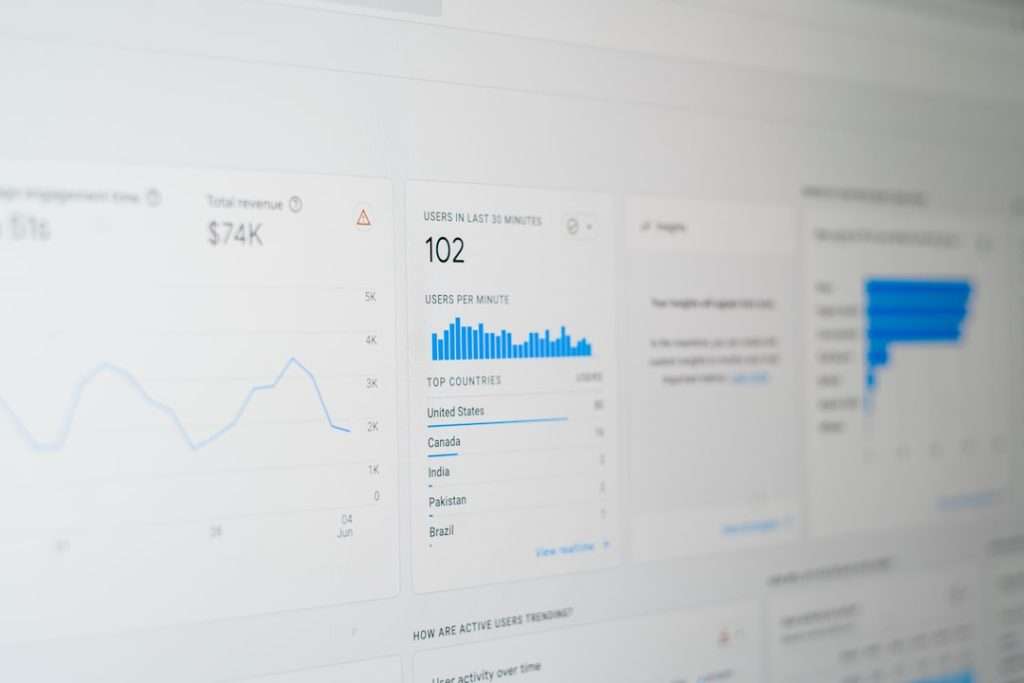
Social media can feel like a loud party where everyone is talking at once. You post a video. You share a meme. You launch a campaign. Then you ask the big question: “Did any of that actually work?” That is where tools like SocialSight AI come in.
TLDR: SocialSight AI is a social media analytics tool that uses AI to help you understand posts, audience behavior, trends, and campaign performance. It is useful for marketers, creators, and small teams that want quick insights without staring at spreadsheets all day. For example, a small skincare brand could use it to see that Instagram Reels bring 42% more engagement than photo posts, then shift its content plan fast. Still, there are strong alternatives like Sprout Social, Hootsuite, Buffer, and Metricool.
What Is SocialSight AI?
SocialSight AI is designed to help users track and understand social media performance. Think of it like a smart dashboard with a tiny robot assistant inside. It looks at your numbers, spots patterns, and helps you make better content choices.
Instead of asking, “Why did this post flop?” you can use analytics to find clues. Maybe the hook was weak. Maybe the post went live at the wrong time. Maybe your audience prefers short videos over long captions. SocialSight AI aims to make those answers easier to find.
It can be helpful for:
- Small businesses that need simple reporting.
- Agencies managing several client accounts.
- Creators who want to grow faster.
- Marketing teams that need campaign insights.
- Founders who want less guessing and more data.

SocialSight AI Features
Let’s break down the main features in plain English. No fancy buzzword soup. Promise.
1. AI Powered Social Media Insights
The big selling point is the AI layer. SocialSight AI can review your social data and explain what is happening. This may include engagement changes, top-performing posts, audience growth, and content trends.
For example, it might tell you that your carousel posts get more saves, while your funny videos get more shares. That matters. Saves can show deep interest. Shares can help you reach new people.
2. Performance Tracking
A good analytics tool should show the basics clearly. SocialSight AI may track metrics like:
- Follower growth
- Engagement rate
- Likes, comments, and shares
- Reach and impressions
- Click-through rate
- Best posting times
These numbers help you stop posting into the void. If your Tuesday posts get 30% more clicks than your Friday posts, that is useful. Very useful.
3. Content Recommendations
This is where things get fun. SocialSight AI can help suggest what to post next based on past results. It may notice that your audience loves quick tips, behind-the-scenes clips, or comparison posts.
So instead of sitting there with an empty content calendar and a sad cup of coffee, you get ideas backed by data.
4. Competitor Analysis
Competitor tracking is another valuable feature. You can often compare your performance with similar brands or creators. This does not mean copying them. Please do not become a content raccoon stealing shiny ideas.
It means learning what works in your space. If competitors are winning with tutorials, case studies, or user-generated content, you can test your own version.
5. Reporting Tools
Reports matter, especially if you work with clients or managers. SocialSight AI can make reporting easier by turning raw data into cleaner summaries. Instead of dumping 200 rows into a spreadsheet, you can show highlights.
A good report might say:
- Engagement increased by 18% this month.
- Video posts generated 2.4x more reach than static images.
- LinkedIn clicks dropped by 12%, so headlines need testing.
That is much better than saying, “Here are numbers. Good luck.”
What Makes SocialSight AI Easy to Use?
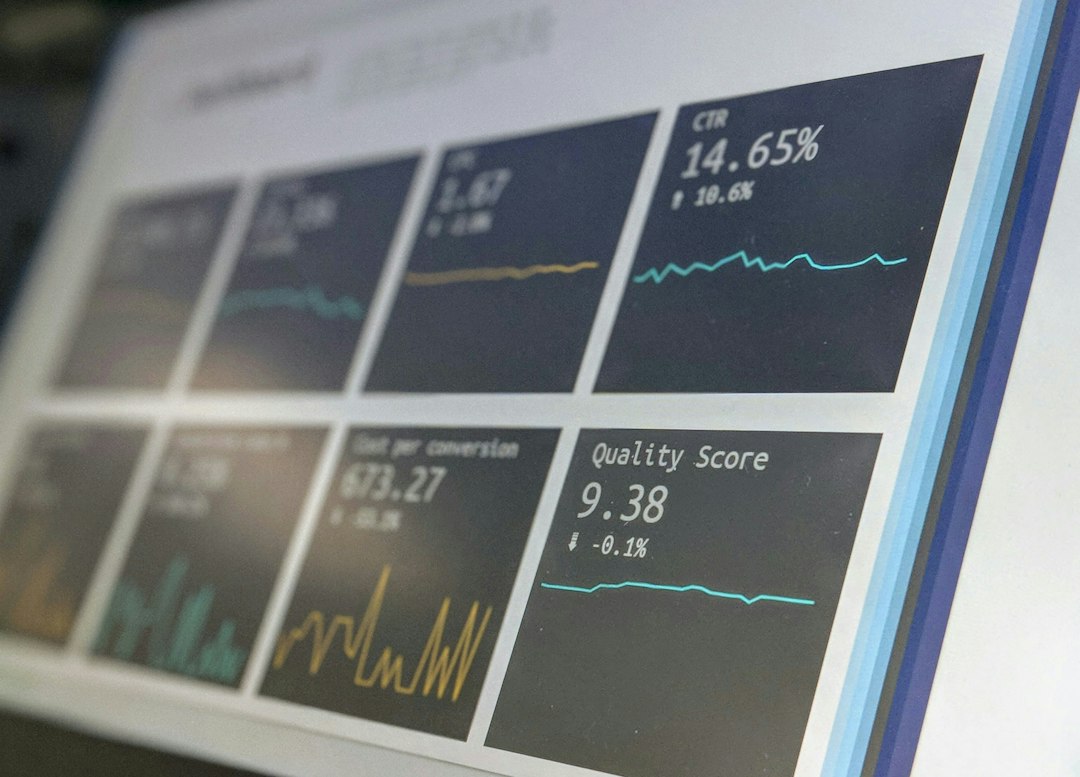
The best analytics tools do not make you feel like you need a math degree. SocialSight AI appears aimed at making social media data easier to read and act on.
Good usability usually means:
- Clean dashboards
- Simple charts
- Plain-language summaries
- Fast filters by date or platform
- Clear next steps
This is important because most people do not want more data. They want better decisions. There is a huge difference.
Pros of SocialSight AI
- Simple insights: AI summaries can save time.
- Better content planning: You can see what topics perform best.
- Useful for teams: Reports can help everyone stay aligned.
- Trend spotting: It can help you react before a trend gets old.
- Less manual work: Fewer spreadsheets, fewer headaches.
Cons of SocialSight AI
- AI is not magic: You still need human judgment.
- Data quality matters: Bad or limited data leads to weak insights.
- Pricing may vary: Always check current plans before buying.
- Platform support matters: Make sure it connects to the channels you use.
- Learning curve: Even simple tools take time to master.
Who Should Use SocialSight AI?
SocialSight AI is a good fit if you post often and want to understand results faster. It is especially useful if social media is important to your business, not just a side decoration.
Here is a simple example. Imagine a local fitness coach posts on Instagram, TikTok, and Facebook. After one month, the tool shows that workout clips under 20 seconds get 55% more views than longer videos. It also shows that posts with client transformation stories get 3x more comments. Now the coach knows what to create next. Easy win.
Best Social Media Analytics Alternatives
SocialSight AI is not the only player in the sandbox. Here are some popular alternatives to consider.
1. Sprout Social
Sprout Social is a strong choice for businesses and agencies. It offers deep analytics, publishing, social listening, and team tools. It is polished and powerful, but it can be expensive for smaller users.
Best for: Agencies, mid-sized companies, and serious marketing teams.
2. Hootsuite
Hootsuite is one of the classic social media management tools. It supports scheduling, monitoring, and reporting across major platforms. It is useful if you want one place to manage many accounts.
Best for: Teams that need scheduling plus analytics.
3. Buffer
Buffer is simple, friendly, and popular with creators and small businesses. Its analytics are not always as deep as enterprise tools, but the interface is easy to love.
Best for: Creators, startups, and small teams that want simplicity.
4. Metricool
Metricool gives you analytics, scheduling, competitor tracking, and ad reporting. It is often seen as a practical option for users who want useful data without huge complexity.
Best for: Freelancers, small businesses, and social media managers.
5. Later
Later is great for visual planning, especially for Instagram, TikTok, and Pinterest. It helps you schedule posts and understand what content performs well.
Best for: Visual brands, influencers, and ecommerce shops.
How to Choose the Right Tool
Before picking SocialSight AI or an alternative, ask a few simple questions:
- Which social platforms do I use most?
- Do I need scheduling, analytics, or both?
- Do I manage one brand or many clients?
- How detailed do reports need to be?
- What is my monthly budget?
If you only need basic numbers, a simpler tool may be enough. If you need AI insights, competitor tracking, and polished reports, SocialSight AI or a more advanced platform may be worth it.
Final Verdict
SocialSight AI looks like a smart option for people who want clearer social media analytics without drowning in data. Its AI features can help explain what is working, what is weak, and what to try next.
Still, the best tool depends on your goals. If you want advanced team features, compare it with Sprout Social. If you want simple scheduling, try Buffer. If you want a balanced analytics tool, check Metricool.
The main lesson is simple: do not guess forever. Social media rewards testing. Use the data. Learn from it. Then post smarter, not louder.