


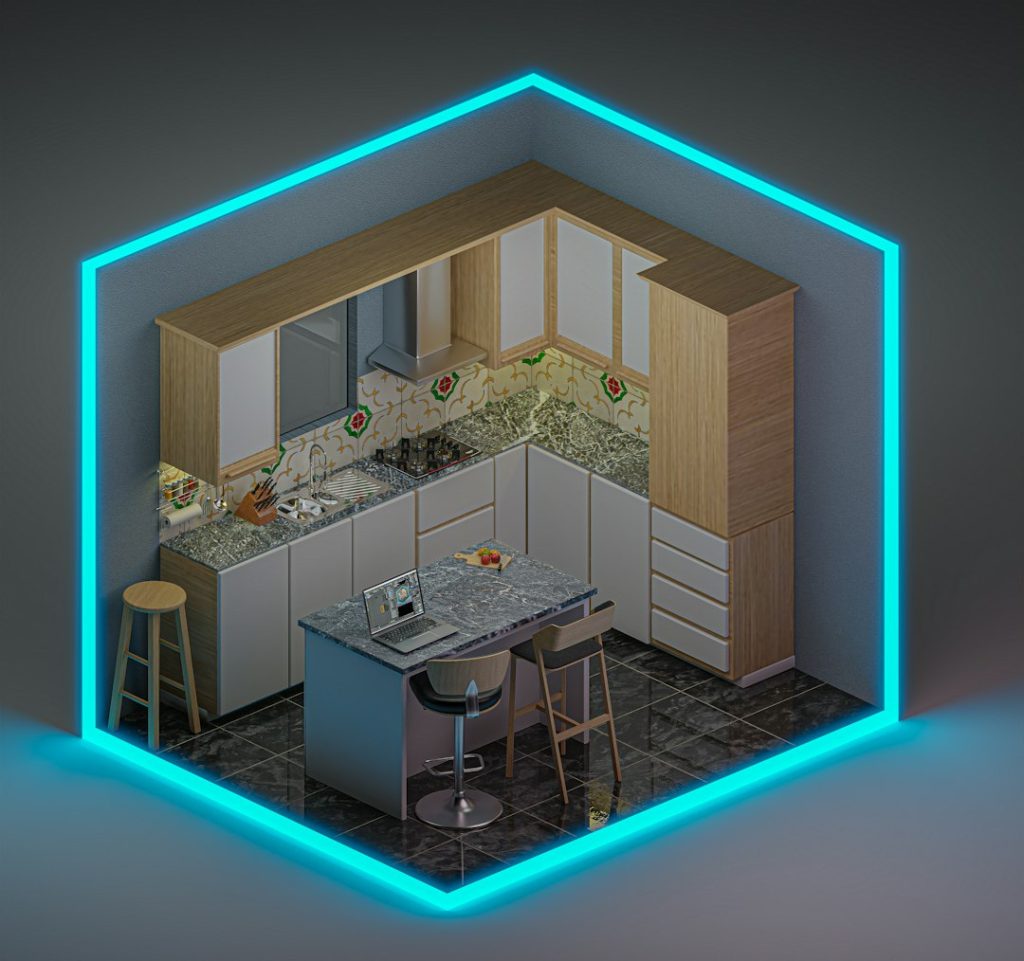
You do not need a degree in design to create a beautiful home. You just need the right app. Today’s interior design apps let you see your ideas come to life in seconds. Move a sofa. Change a wall color. Add a rug. It all happens instantly on your screen.
TLDR: Interior design apps help you visualize and plan your dream space without guesswork. You can test layouts, colors, and furniture before spending real money. Many apps use 3D views and augmented reality to show how items look in your actual room. They are fun, fast, and beginner-friendly.
Let’s explore the best interior design apps that make decorating simple and exciting.
Why Use Interior Design Apps?
Guessing does not work well in design. A couch that looks perfect in a store might feel huge at home. A paint color might look brighter than expected. That is where design apps shine.
- See before you buy. Avoid costly mistakes.
- Experiment freely. Try bold ideas without risk.
- Save time. No need to move heavy furniture.
- Stay organized. Keep all ideas in one place.
Many apps are made for beginners. You do not need special skills. If you can tap and drag, you can design.
1. Planner 5D
Planner 5D is perfect for people who love detail. It lets you create floor plans in 2D and then switch to 3D. You can decorate rooms from scratch. Or recreate your own home.
Why people love it:
- Simple drag-and-drop tools.
- Large furniture library.
- Realistic 3D visuals.
- Works on desktop and mobile.
You can change textures, colors, and layouts. It feels like building a digital dollhouse. But for grown-ups.
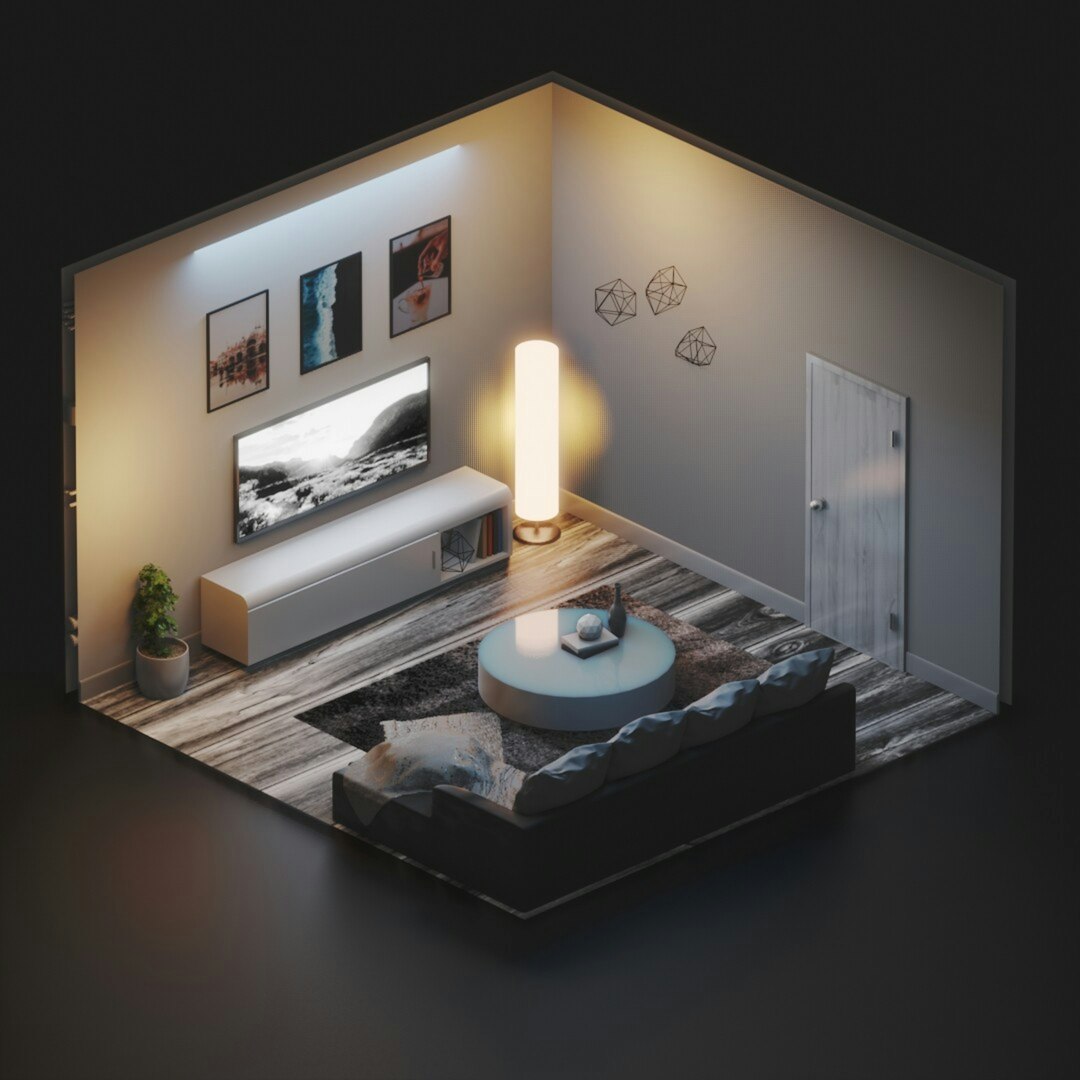
2. Roomstyler 3D Home Planner
Roomstyler is web-based. That means no download needed. Just open it in your browser and start designing.
You pick a room shape. Then add real furniture brands into your space. It is great for people who want realistic shopping options.
- Easy to use interface.
- Real brand-name products.
- High-quality 3D renders.
- Community gallery for inspiration.
This app is ideal if you want to mix creativity with real-world shopping.
3. Houzz
Houzz is more than a design app. It is also an inspiration hub. You can browse millions of room photos. Save your favorites. Then use their 3D tools to test products in your own space.
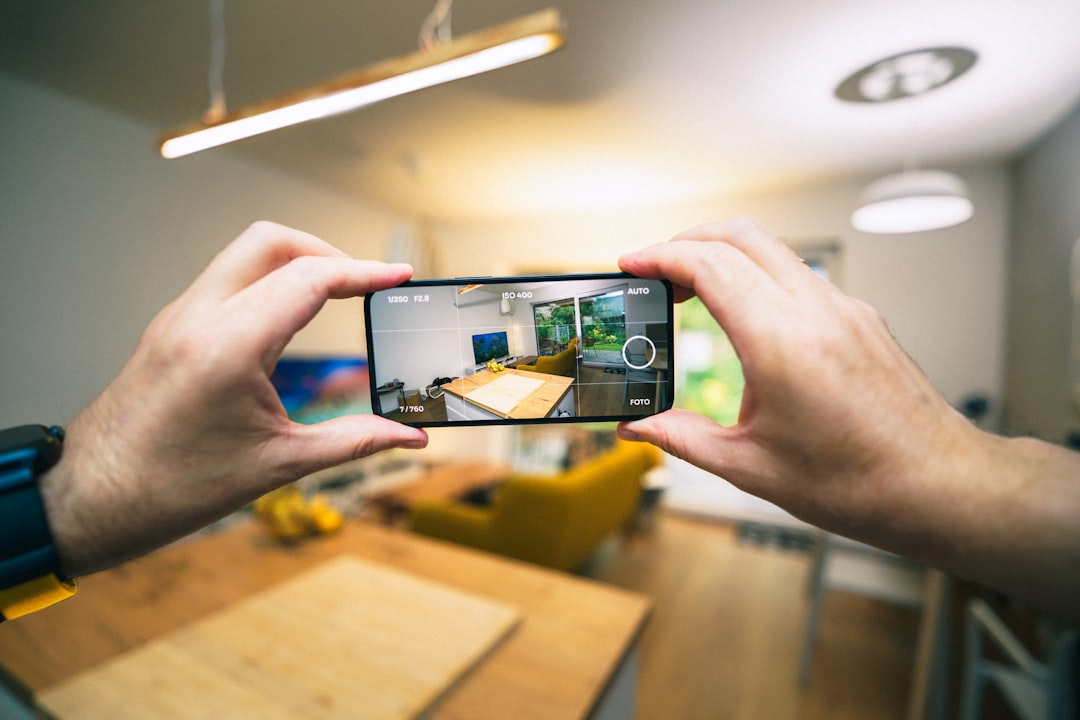
Its augmented reality feature is a standout. Just point your phone camera at your room. Drop in furniture virtually. See how it fits.
- Huge inspiration library.
- AR feature for real-time testing.
- Easy shopping integration.
- Connect with professionals.
If you feel stuck creatively, Houzz can spark ideas fast.
4. IKEA Place
This app focuses on simplicity. Love IKEA furniture? Then you will love IKEA Place.
It uses augmented reality to show IKEA products in your home. The scale is surprisingly accurate. You can see if that bookshelf really fits next to your desk.
Key benefits:
- True-to-size AR models.
- Clean and simple interface.
- Fast room scanning.
- Direct shopping from the app.
It is perfect for quick decisions. And small space planning.
5. Homestyler
Homestyler blends creativity with realism. You can upload a photo of your actual room. Then decorate directly on top of it.
This makes visualizing changes very easy. You see your real walls. Your real windows. Your real floors.
- Photo-based room editing.
- Huge decor library.
- 3D walkthrough feature.
- Beginner-friendly tools.
It feels interactive. Almost like a game.
6. Magicplan
Magicplan focuses on floor plans. It is great for renovations or remodeling projects.
You scan your room with your phone camera. The app measures and builds a floor plan automatically. No tape measure needed.
- Accurate room measurements.
- Create detailed floor plans.
- Estimate project costs.
- Export plans easily.
This app is practical. Especially before construction work starts.
Comparison Chart
| App | Best For | 3D View | AR Feature | Beginner Friendly |
|---|---|---|---|---|
| Planner 5D | Full room design | Yes | No | Yes |
| Roomstyler | Real brand furniture | Yes | No | Yes |
| Houzz | Inspiration and shopping | Yes | Yes | Yes |
| IKEA Place | IKEA furniture placement | Limited | Yes | Very easy |
| Homestyler | Photo-based editing | Yes | Limited | Yes |
| Magicplan | Floor plans and renovation | Yes | No | Moderate |
How to Choose the Right App
Not all apps are equal. Some are better for decorating. Others are perfect for construction planning.
Ask yourself:
- Do I want to redesign one room or my entire home?
- Do I need exact measurements?
- Do I want to shop inside the app?
- Do I prefer 3D design or AR previews?
If you love experimenting with style, go with Planner 5D or Homestyler.
If you want shopping and inspiration, try Houzz.
If you are planning renovations, Magicplan is a strong choice.
Tips for Getting the Most Out of Design Apps
Design apps are powerful. But smart use makes them even better.
- Measure your space first. Even if the app scans it.
- Start with big items. Sofa, bed, dining table.
- Play with lighting. It changes everything.
- Test bold colors digitally. It is risk-free.
- Save multiple versions. Compare different styles.
Try a modern look. Then test a rustic one. Switch from light wood floors to dark tiles. Be playful.
The Magic of Augmented Reality
Augmented reality feels futuristic. But it is here now. And it is very useful.
You point your camera at your empty corner. Then place a virtual chair there. Walk around it. See how it looks from every angle.
No guessing about size. No imagining colors. It feels real.
AR tools reduce regret. You shop with confidence.
Are Free Versions Enough?
Many interior design apps offer free plans. These are usually enough for casual users.
Free versions often include:
- Basic furniture libraries.
- Limited 3D views.
- Standard room layouts.
Paid versions unlock premium decor. And advanced rendering. If you are designing your forever home, upgrading can be worth it.
From Dream to Reality
The best part about these apps is clarity. You stop imagining vaguely. You start seeing clearly.
That clarity helps you:
- Stick to a budget.
- Choose matching pieces.
- Avoid overcrowding.
- Create balanced layouts.
Your phone becomes your design studio. Your ideas feel achievable. Not overwhelming.
Final Thoughts
Interior design no longer belongs only to professionals. Technology has opened the door for everyone. You can plan your dream bedroom while sitting on your couch. You can test five sofa colors in five minutes.
These apps remove fear. They replace it with creativity.
So go ahead. Download one. Start small. Redesign a corner. Then a full room. Then maybe your entire home.
Your dream space is not far away. It is just a few taps from becoming visible.