


Building a memorable brand identity used to require hiring a professional designer, investing significant time, and navigating multiple rounds of revisions. Today, AI logo makers have transformed that process into something fast, affordable, and surprisingly strategic. Whether you are launching a startup, side hustle, or personal brand, artificial intelligence can help you move from idea to visual identity in a matter of hours instead of weeks.
TLDR: AI logo makers allow entrepreneurs and small businesses to create professional-quality logos in minutes by answering a few simple questions about their brand. By combining automated design tools with thoughtful brand decisions, you can quickly build a strong, consistent identity. The key is not just generating a logo, but using AI strategically for colors, typography, and brand consistency. When used correctly, these tools save time without sacrificing credibility.
In this guide, we will explore how to use AI logo makers effectively, the steps to building a cohesive brand identity around your logo, and best practices to ensure your final design feels polished rather than generic.
Why AI Logo Makers Are a Game-Changer
AI logo makers use machine learning and design databases to generate logo concepts based on your inputs. After answering questions about your:
- Business name
- Industry
- Preferred colors
- Design style (modern, vintage, minimalist, bold, etc.)
- Icons or symbols you like
The software instantly produces multiple logo variations tailored to your selections.
The benefits are significant:
- Speed: Get dozens of concepts in minutes.
- Cost efficiency: Often far cheaper than hiring a designer.
- Ease of use: No design experience required.
- Customization: Edit fonts, spacing, colors, and layouts directly.
While these tools automate design, your strategic decisions still determine how powerful your brand identity becomes.
Step 1: Clarify Your Brand Foundation First
Before opening any AI logo maker, take a step back. A logo is only one piece of brand identity. Start by defining:
- Your mission: What problem are you solving?
- Your target audience: Who are you trying to attract?
- Your brand personality: Is it playful, corporate, edgy, calm, luxurious?
- Your core values: Innovation, sustainability, community, speed?
AI performs best when you give it clear direction. If your brand voice is modern and minimalist, selecting overly decorative options will create inconsistency.
Think of AI as the designer’s assistant. You are still the creative director.
Step 2: Choose the Right AI Logo Maker
Different platforms offer different features. Some focus on simplicity, while others provide deep customization and brand kits.
| Platform | Best For | Customization Level | Price Range | Brand Kit Included |
|---|---|---|---|---|
| Looka | Complete branding packages | High | Moderate | Yes |
| Wix Logo Maker | Website integration | High | Moderate | Yes |
| Tailor Brands | Small businesses | Medium | Low to moderate | Yes |
| DesignEvo | Quick logo creation | Medium | Low | No |
| Canva AI Logo Tool | Beginners and marketers | High | Low to moderate | Limited |
When choosing a tool, consider whether you need:
- High-resolution files for print
- Transparent PNG versions
- Social media templates
- A full brand kit with fonts and colors
If speed and cohesion matter most, a platform that includes complete brand kits will give you more long-term value.
Step 3: Input Smart, Strategic Prompts
AI logo tools typically ask you to select styles or enter keywords. This is not the moment to guess randomly. Use words aligned with your defined brand identity.
Examples of effective input combinations:
- Modern, minimalist, tech, blue, geometric
- Elegant, luxury, serif, gold, fashion
- Playful, colorful, rounded, friendly, kids
Avoid mixing contradictory concepts like “luxury” and “cartoonish” unless that contrast is intentional.
The more cohesive your choices, the more refined your results will appear.
Step 4: Refine and Customize the Generated Logos
Once the AI generates options, resist the urge to download the first design you see. Instead:
- Compare multiple variations.
- Test different font pairings.
- Adjust spacing and alignment.
- Experiment with color variations.
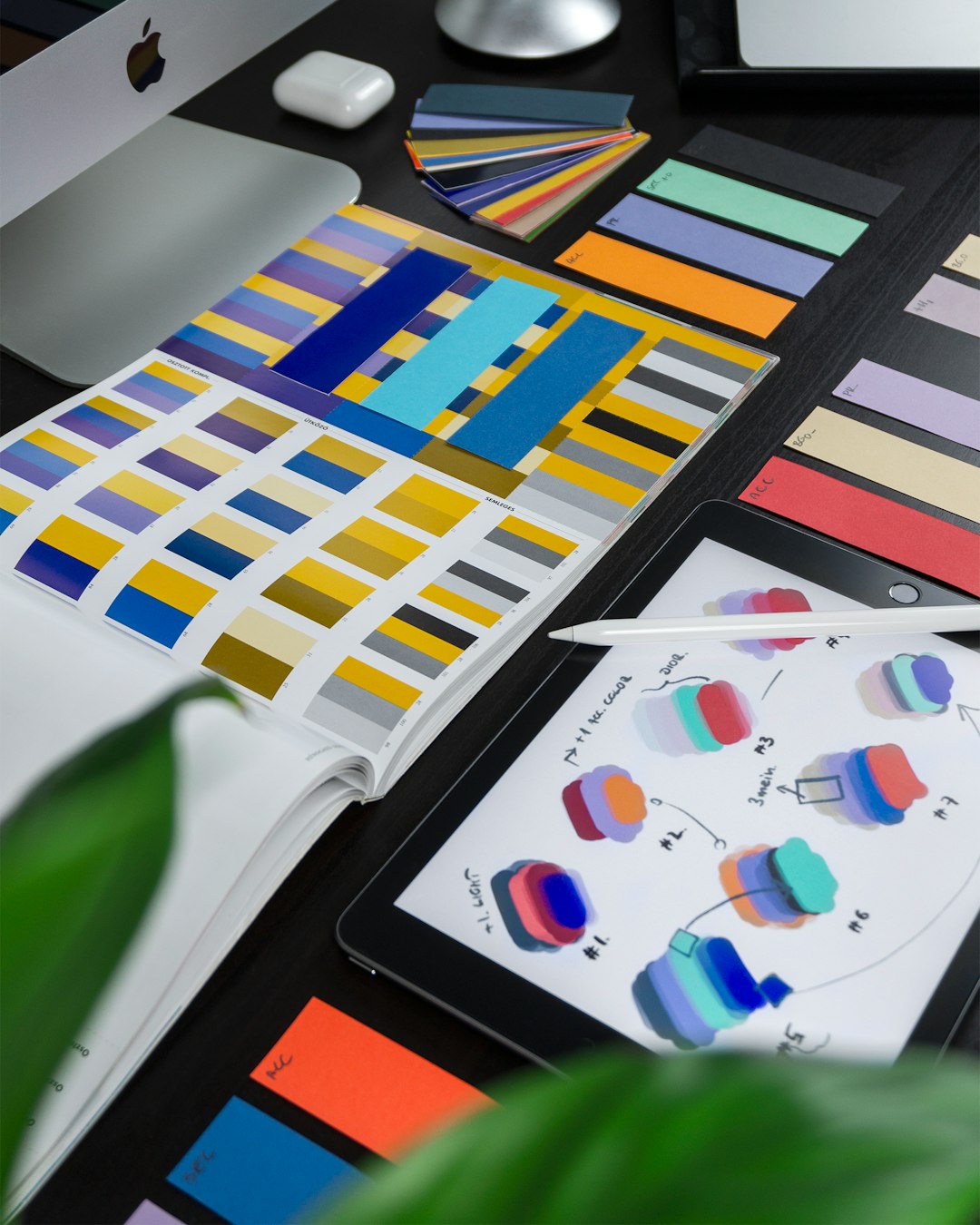
Small adjustments can dramatically improve a design. For example:
- Slightly increasing letter spacing may create a more premium feel.
- Switching from bright red to muted burgundy might shift the tone from aggressive to sophisticated.
- Choosing a sans serif font can modernize a traditional layout.
Tip: Always preview your logo on mockups such as business cards, websites, and social media banners. Many AI tools offer built-in previews.
Step 5: Build a Complete Visual Identity
A logo alone does not make a brand. To build identity quickly, extend your design into a cohesive system.
Your AI tool may suggest:
- Primary and secondary color palettes
- Font pairings
- Icon styles
- Pattern designs
- Social media templates
- Business card layouts
Turn these elements into a simple brand style guide that includes:
- Logo usage rules
- Clear space requirements
- Approved colors with HEX codes
- Primary and secondary fonts
- Example brand imagery
This ensures consistency across all platforms, from your website to packaging.
Step 6: Test Before You Commit
Even though AI speeds up logo creation, validation is still important.
Try these quick testing methods:
- Social media poll: Ask followers to choose between two options.
- Mini focus group: Get feedback from 5–10 people in your target audience.
- A/B website testing: Compare engagement metrics.
Ask specific questions such as:
- What emotions does this logo evoke?
- What kind of company would you expect behind this logo?
- Does it feel trustworthy?
If responses misalign with your intended brand perception, refine and test again. AI makes iteration easy.
Common Mistakes to Avoid
Even with powerful tools, mistakes can undermine your brand identity.
- Choosing overly complex designs: Simplicity improves memorability.
- Ignoring scalability: Your logo should look good on both a billboard and a mobile screen.
- Following trends blindly: Trendy styles can age quickly.
- Skipping vector files: Always download scalable formats like SVG or EPS.
Remember, the goal is not just to “have a logo,” but to create a lasting visual anchor for your business.
How to Use AI Logos for Faster Brand Launches
One major advantage of AI logo makers is momentum. You can design your logo in the morning and launch assets by evening.
For a rapid brand rollout:
- Create your logo.
- Download complete brand kit files.
- Update your website header and favicon.
- Design social profile images and cover graphics.
- Create email signature branding.
- Apply colors and fonts consistently across platforms.
This synchronized approach makes your brand appear established and professional from day one.
The Balance Between AI and Human Creativity
AI logo makers excel at speed, pattern recognition, and variation generation. However, human judgment remains essential. The strongest results happen when you:
- Use AI for ideation and drafts.
- Apply human taste for refinement.
- Think strategically about long-term brand positioning.
If your business grows significantly, you may later hire a professional designer to evolve your brand further. But AI gives you a powerful, credible starting point.
Final Thoughts
AI logo makers have democratized branding. What once required agency budgets and weeks of collaboration can now be accomplished in a single focused afternoon. By defining your brand clearly, selecting the right platform, customizing thoughtfully, and expanding into a full identity system, you can build a professional brand quickly and confidently.
The real power of AI is not that it replaces creativity. It accelerates it. When you combine intelligent automation with intentional brand strategy, you create more than just a logo. You create a visual identity designed to grow with your business.