



In today’s digital-first world, a professional website is no longer optional for businesses, entrepreneurs, or creators—it is essential. Whether launching a startup, building a personal brand, or scaling an online store, choosing the right website builder can significantly impact performance, visibility, and growth. With dozens of platforms promising sleek designs and easy setup, selecting the best solution requires understanding features, flexibility, and long-term scalability.
TLDR: The best website builders combine ease of use, professional design tools, strong SEO features, and scalability. Platforms like Wix, Squarespace, Shopify, and WordPress.com cater to different needs, from simple portfolios to full-scale ecommerce stores. Choosing the right builder depends on budget, customization needs, technical skill level, and future growth plans. This guide compares top options to help users make a confident decision.
A modern website builder should offer more than just templates. It should provide reliability, speed optimization, security, responsive design, and integration capabilities. Below is a closer look at the leading website builders for creating professional websites.
1. Wix: Flexible and Beginner-Friendly
Wix is widely recognized for its drag-and-drop editor and extensive template library. It appeals to small business owners, freelancers, and creatives who want creative control without advanced coding knowledge.
Key features include:
- Over 800 customizable templates
- Drag-and-drop builder with intuitive controls
- Built-in SEO tools and analytics
- App marketplace for added functionality
- Secure hosting and automatic updates
Wix stands out for flexibility. Users can adjust layouts, fonts, animations, and sections without restrictions. However, once a template is chosen and the site is live, switching templates can be challenging. For small to mid-sized businesses seeking strong design freedom, Wix is a reliable option.
2. Squarespace: Design-Driven Excellence
Squarespace is known for elegant, modern templates that deliver strong visual impact. Many photographers, designers, restaurants, and creative agencies prefer it for its polished aesthetics.
Highlights include:
- Professionally designed responsive templates
- Integrated blogging tools
- Built-in ecommerce functionality
- Marketing tools like email campaigns
- Strong scheduling and booking features
Unlike fully open drag-and-drop systems, Squarespace operates using structured sections, which helps maintain design consistency. Though less flexible than Wix in detailed placement, this structure ensures visually balanced websites.
Its ecommerce capabilities are robust enough for growing businesses, but large-scale online stores may require more advanced tools. For brand-focused websites that prioritize design clarity, Squarespace remains a top choice.
3. Shopify: Powerhouse for Ecommerce
When it comes to online stores, Shopify dominates the conversation. Designed specifically for ecommerce, it includes everything needed to manage inventory, payments, shipping, and customer interactions.

Core strengths:
- Seamless payment processing
- Comprehensive inventory management
- Multi-channel selling (social media, marketplaces)
- Large app ecosystem
- Advanced analytics and reporting
Shopify excels in scalability. Small stores can launch quickly, while enterprise-level businesses can upgrade to Shopify Plus. Its themes are clean and optimized for conversions, although deep customization sometimes requires access to Liquid (Shopify’s coding language).
For businesses that prioritize online sales over general content publishing, Shopify is often the best fit.
4. WordPress.com: Versatility and Control
WordPress.com offers a hosted version of the popular WordPress ecosystem, providing ease of use alongside powerful customization capabilities. It is suitable for bloggers, businesses, and even large content-heavy websites.
Advantages include:
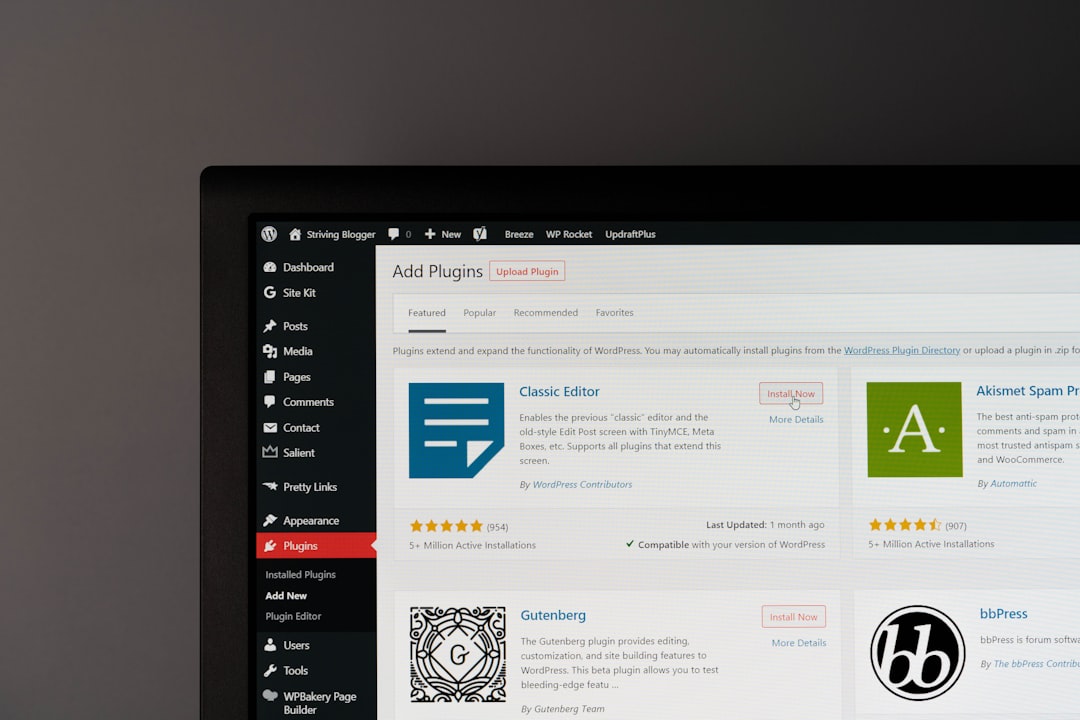
- Extensive theme and plugin ecosystem
- Strong blogging tools
- Advanced SEO customization
- Scalable pricing tiers
- Community support and resources
While beginners can start with simple templates, advanced users can unlock deeper customization through plugins and custom CSS. Compared to fully drag-and-drop platforms, WordPress has a slightly steeper learning curve. However, its flexibility makes it one of the most powerful long-term solutions.
5. Webflow: Advanced Design Control
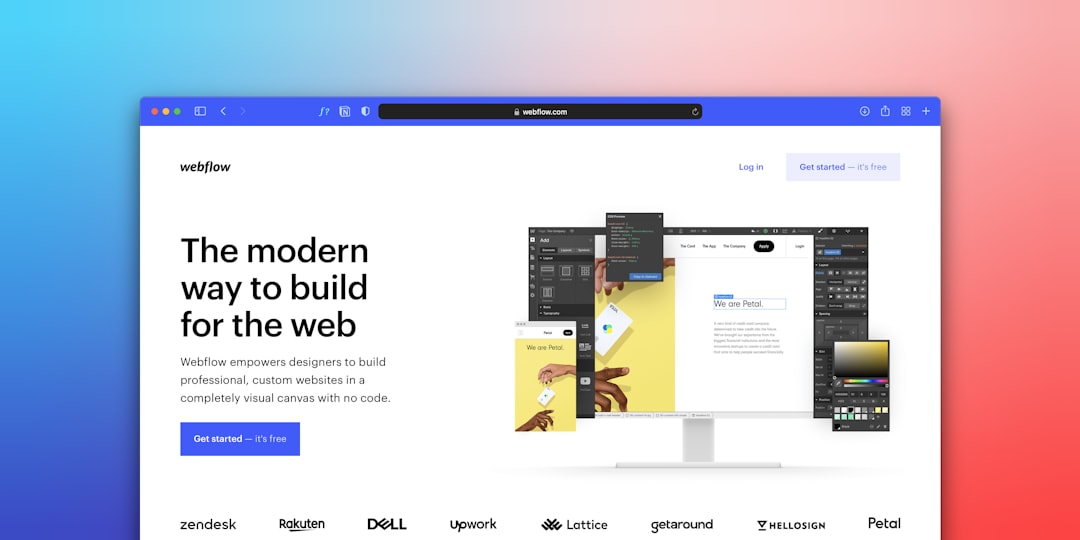
Webflow bridges the gap between no-code builders and professional development platforms. Designers often prefer it because it allows pixel-level precision while generating clean code in the background.
What sets Webflow apart:
- Visual CSS customization
- Advanced animations and interactions
- CMS functionality for dynamic content
- Hosting with strong performance optimization
Webflow demands more time to master, but the results can rival fully custom-coded sites. Agencies and professional designers often use it to build highly interactive, visually unique websites.
Key Factors to Consider When Choosing a Website Builder
Before selecting a platform, users should evaluate several important factors:
- Ease of Use: Is the interface beginner-friendly?
- Customization: Can the design reflect brand identity?
- SEO Capabilities: Are titles, meta descriptions, and URLs easily editable?
- Mobile Responsiveness: Does the site adapt perfectly to different screens?
- Scalability: Can the platform grow with the business?
- Pricing: Are the plans aligned with long-term budgets?
For example, a freelance photographer may prioritize design aesthetics and galleries, making Squarespace ideal. A dropshipping entrepreneur would likely prefer Shopify’s ecommerce features. Content-focused publishers may lean toward WordPress for blogging strength.
Free vs. Paid Website Builders
Many platforms offer free plans, but these typically include branded domain names and limited features. While a free tier can be useful for testing, professional websites benefit from paid plans due to:
- Custom domain names
- Removal of platform branding
- Expanded storage and bandwidth
- Advanced SEO tools
- Priority customer support
Investing in a paid plan enhances credibility and improves user trust. For businesses aiming to generate revenue, a professional subscription is often essential.
Performance, Security, and SEO
Professional websites must load quickly and remain secure. Most leading builders include SSL certificates, reliable hosting, and automatic updates. However, optimization still matters.
Best practices for maximizing performance:
- Optimize image sizes before uploading
- Use clean, minimal design layouts
- Avoid excessive third-party scripts
- Regularly update plugins and integrations
SEO tools built into Wix, WordPress, and Shopify allow users to customize metadata, alt text, and structured content. These small adjustments significantly influence search visibility and long-term traffic growth.
Final Thoughts
The best website builder ultimately depends on the project’s goals. Wix offers flexibility and ease. Squarespace excels in elegant design. Shopify dominates ecommerce. WordPress.com provides unmatched versatility. Webflow delivers advanced design precision.
A professional website builder should not simply create a site—it should empower growth, adapt to changing needs, and provide reliable support. By aligning platform capabilities with business objectives, users can confidently build a website that strengthens credibility, attracts visitors, and drives measurable results.
Frequently Asked Questions (FAQ)
1. What is the easiest website builder for beginners?
Wix is generally considered the easiest due to its drag-and-drop functionality and beginner-friendly interface.
2. Which website builder is best for ecommerce?
Shopify is widely regarded as the best ecommerce-focused website builder because of its sales tools, payment integration, and scalability.
3. Are website builders good for SEO?
Yes, most modern builders include built-in SEO tools that allow users to edit meta tags, URLs, and alt text. WordPress and Shopify are particularly strong in this area.
4. Can a website builder handle business growth?
Many platforms, including Shopify, WordPress, and Webflow, offer scalable plans that support expanding traffic, products, and functionality.
5. Is it better to use a website builder or hire a developer?
For small to mid-sized businesses, website builders are cost-effective and efficient. Complex, highly customized projects may benefit from professional development.
6. Do website builders include hosting?
Yes, most website builders provide hosting as part of their subscription plans, along with SSL security and maintenance updates.