


Cloud gaming keeps improving. You press play and the game runs on a remote server, not on your device. Two big names lead this space: Xbox Cloud Gaming from Microsoft and GeForce Now from NVIDIA. Many players ask a fair question. Can Xbox Cloud Gaming reach the same level as GeForce Now?
This article compares how both services work today. It looks at picture quality, input delay, game access, device support, and value. The goal is simple. Help you decide which one fits your play style.
What Is Xbox Cloud Gaming?
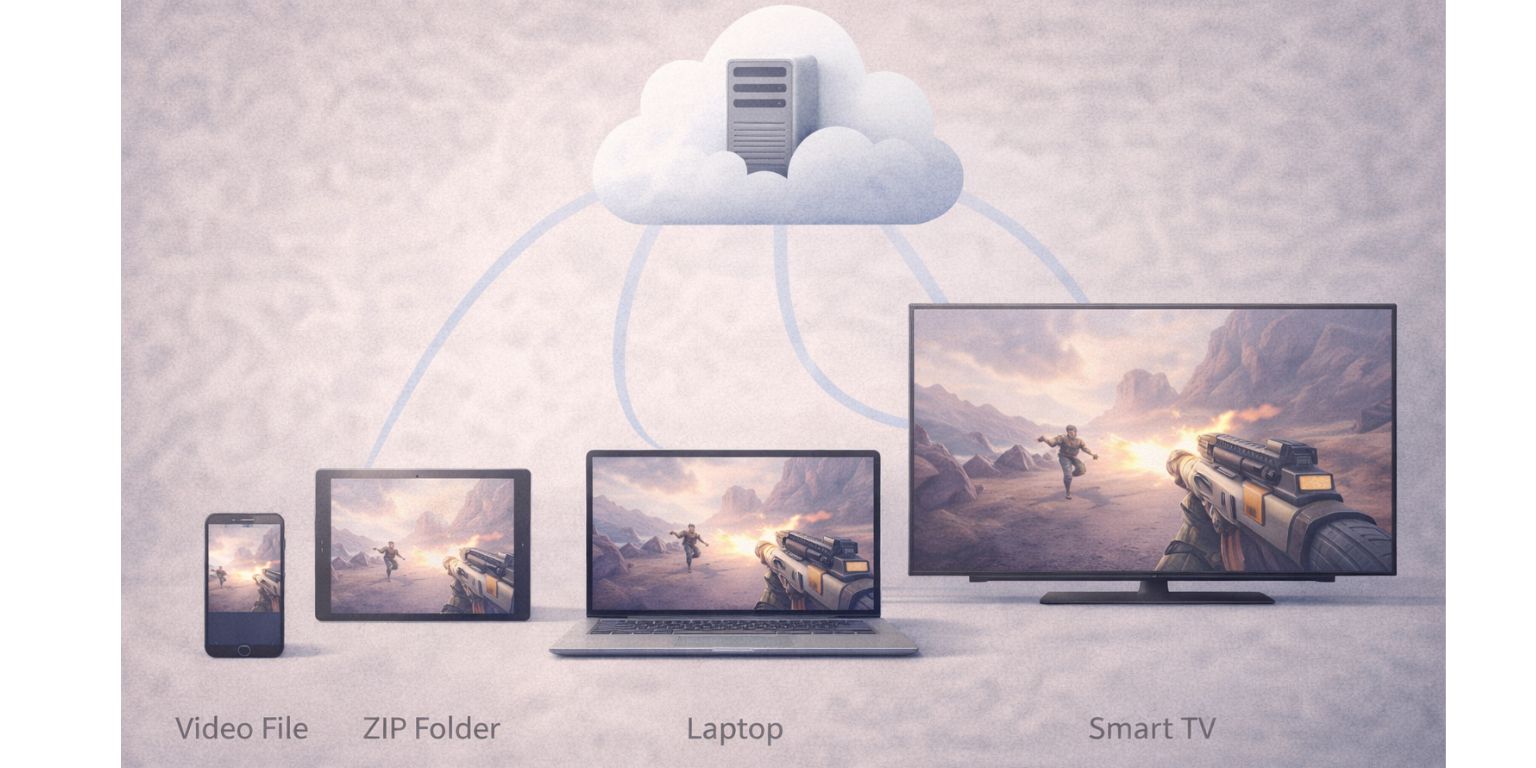
Xbox Cloud Gaming lets you stream games from Xbox Game Pass. You do not buy games one by one for the cloud. If a title is in the catalog, you can play it on phones, tablets, PCs, and some TVs.
The games run on server hardware similar to that of the Xbox Series X. You open a browser or app and start playing. This makes it easy for casual play, especially if you already use Game Pass.
What Is GeForce Now?
GeForce Now works differently. You stream games you already own on PC stores. That includes Steam, Epic Games Store, and Ubisoft Connect. You log in, link your library, and play.
The service runs on NVIDIA servers using RTX-class GPUs. It focuses on PC performance and settings. Many users treat it like a high-end PC in the cloud.
Streaming Quality and Resolution
Picture quality is one of the biggest differences.
Xbox Cloud Gaming streams at lower resolution compared to GeForce Now. Image clarity is good for most screens, but compression is visible at times. Fast motion scenes can look soft.
GeForce Now streams at higher resolutions and frame rates on supported tiers. The image stays sharper. Textures load cleanly. Motion looks smoother, especially on larger monitors.
Latency and Input Responsiveness
Input delay matters a lot, even for casual games.
Xbox Cloud Gaming has improved, but delay is still noticeable in fast action titles. It works well for story games, racing, and slower combat. Competitive play feels harder.
GeForce Now usually delivers lower latency. Mouse and keyboard input feels closer to a local PC. That helps in shooters and action-heavy games.
Your internet quality affects both services. Distance to data centers matters too.
Hardware Power and Graphics Features
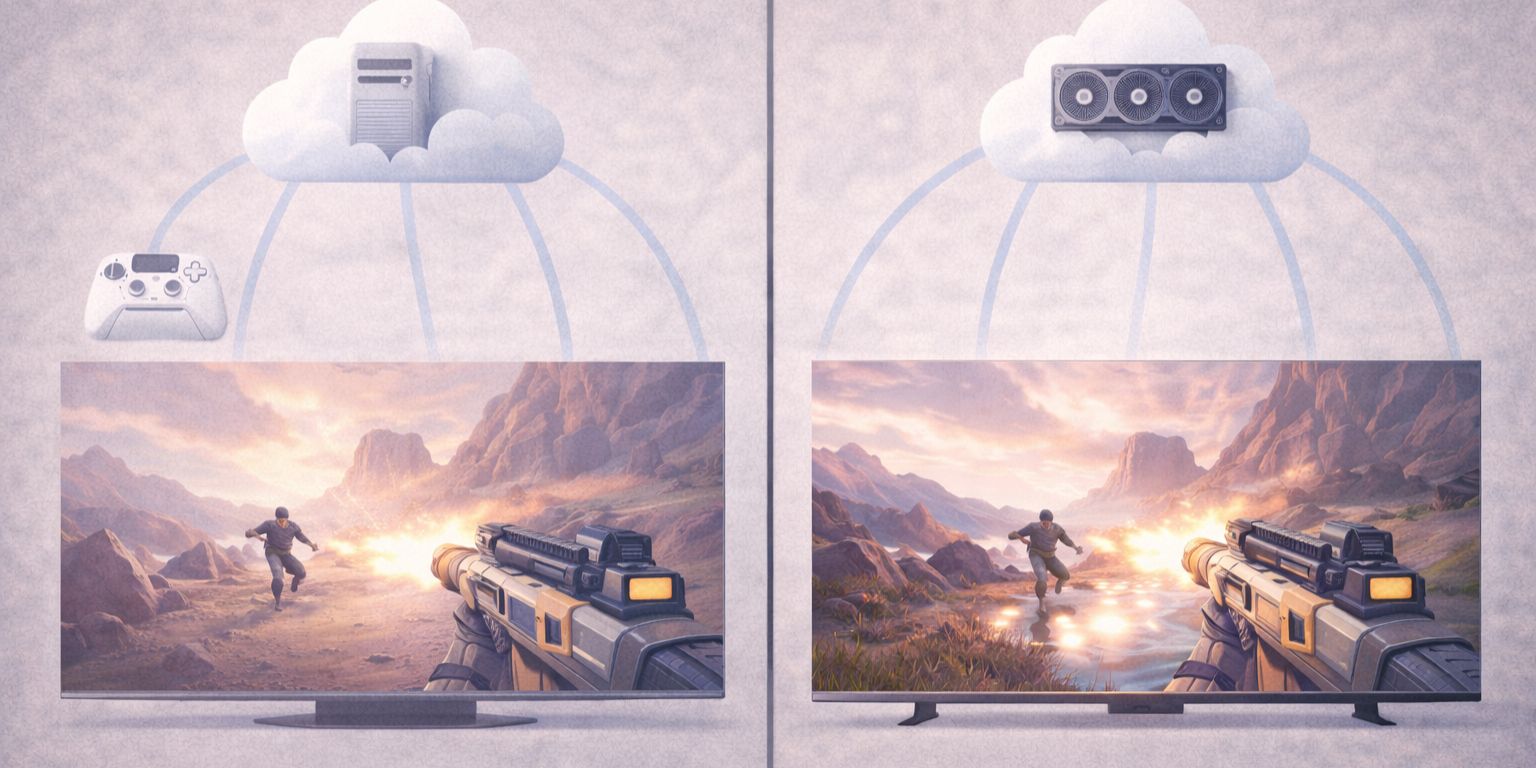
Xbox Cloud Gaming uses console-based hardware. Games run with console settings. This keeps things stable, but limits graphics options.
GeForce Now uses NVIDIA GPUs. On higher plans, you get features like ray tracing in supported games. You can also adjust PC graphics settings.
This is where GeForce Now clearly leads for visual control.
Game Library Access: Subscription vs Owned Games
Xbox Cloud Gaming ties directly to Game Pass. You get access to many games without buying them again. New titles rotate in and out.
GeForce Now does not include games. You must own them already. The upside is freedom. You play the games you choose, when you choose, without waiting for a catalog update.
This difference shapes who each service fits best.
Device Support and Platform Compatibility
Both services support many devices, but in different ways.
Xbox Cloud Gaming works through browsers like Chrome, mobile apps, and some smart TVs. Controller support is strong. Keyboard and mouse support is limited in some cases.
GeForce Now works well on PCs, Macs, phones, and TVs. Keyboard and mouse support is native. This suits PC players who want a familiar setup.
Pricing and Value
Xbox Cloud Gaming is included with Xbox Game Pass Ultimate. One subscription gives games and cloud access together. That feels simple and affordable.
GeForce Now has multiple tiers. Free access exists, but paid plans unlock better performance. You pay for power and quality, not games.
Value depends on how you play and what you already own.
Can Xbox Cloud Gaming Catch Up to GeForce Now?
Xbox Cloud Gaming keeps improving. Microsoft adds data centers and updates streaming tech. Performance today is better than before.
Still, GeForce Now leads in raw quality and responsiveness. Xbox Cloud Gaming focuses more on access and ease, not high-end PC performance.
Catching up would require higher stream quality, lower delay, and more control options.
Which Cloud Gaming Service Is Better for You?
Choose Xbox Cloud Gaming if:
- You already use Game Pass
- You want simple access without buying games
- You play mostly with a controller
Choose GeForce Now if:
- You own PC games already
- You care about sharp visuals and low delay
- You use keyboard and mouse often
Both services solve different problems.
Final Thoughts
Xbox Cloud Gaming and GeForce Now are not trying to be the same thing. One focuses on easy access. The other focuses on performance. Xbox Cloud Gaming can improve a lot, but today it does not match GeForce Now in quality and control.
If this comparison helped, share it with other players choosing a cloud service. You can also leave a comment and say which one you use and why.