



In the fast-evolving digital world, video reels have become one of the most powerful forms of content across platforms like YouTube and Instagram. With attention spans getting shorter and competition fiercer, creators need efficient, creative, and high-quality tools to stay ahead. That’s where Makereels.ai comes in—a smart solution designed to simplify and supercharge reel creation for both budding influencers and established professionals.
TL;DR (Too long, didn’t read)
Makereels.ai is an AI-powered tool that automates the process of creating engaging reels for YouTube and Instagram. It allows users to convert text, scripts, or existing content into captivating short-form videos in minutes. With customizable templates, automated voiceovers, and an intuitive interface, it’s an excellent tool for marketers, influencers, and brands. Whether you’re promoting a product, growing your personal brand, or entertaining your followers, Makereels.ai streamlines the entire process from idea to upload.
What is Makereels.ai?
Makereels.ai is a web-based platform that leverages artificial intelligence to produce short-form videos—commonly known as reels—for social media efficiently and creatively. Users can input copy, upload long-form content, or even generate ideas inside the platform, and the AI transforms these inputs into polished video reels complete with graphics, voiceovers, music, and effects suited for vertical screens.
The platform is tailored for content creators who want to boost their visibility but lack extensive video editing skills or the time to produce frequent, high-quality content manually. Whether for vlogging, tutorials, marketing, or quick updates, Makereels.ai ensures creators have a scalable and effective way to produce content that aligns with current trends.
Why Use Makereels.ai for YouTube and Instagram Reels?
Creating reels the traditional way can be time-consuming, requiring video editing software knowledge, creativity, and hours of work for each reel. Makereels.ai eliminates these barriers by offering:
- Speed: Generate a reel in a matter of minutes.
- AI Insights: AI analyzes content type and helps optimize style and length.
- Customization: Choose the template, voiceover, soundtrack, and aspect ratio.
- Integrated Workflow: Directly share or download content for platforms like YouTube Shorts and Instagram Reels.
Step-by-Step Guide to Creating Reels With Makereels.ai
1. Sign Up or Log In
Visit Makereels.ai and create a free account or log in to your existing one. The platform offers both free and premium plans, so you can test features before committing.
2. Choose a Content Input Type
Makereels.ai allows users to start from various content inputs such as:
- Text Prompt: Enter a script or topic and let the AI generate visuals around it.
- Video Upload: Upload a long-form video and let the AI cut it into show-worthy highlights.
- Blog or Article Link: Paste a URL, and Makereels.ai will convert it into a summarized reel.
3. Select a Template
Templates are optimized for different social media platforms with ideal aspect ratios, animation styles, and transitions. Choose from categories like:
- How-to or Tutorial
- Product Review
- Motivational Quote
- Behind-the-Scenes
The right template will make your reel stand out and engage your audience more effectively.
4. Customize Your Reel
After selecting a template, the platform offers customization options such as:
- Voiceovers: Select from AI-generated voices or upload your own.
- Text Placement: Use AI-suggested placements or rearrange manually.
- Music and Sound FX: Choose background sounds that enhance reel visibility and emotion.
- Color Themes & Fonts: Align with your personal or brand aesthetic.
5. Preview and Edit
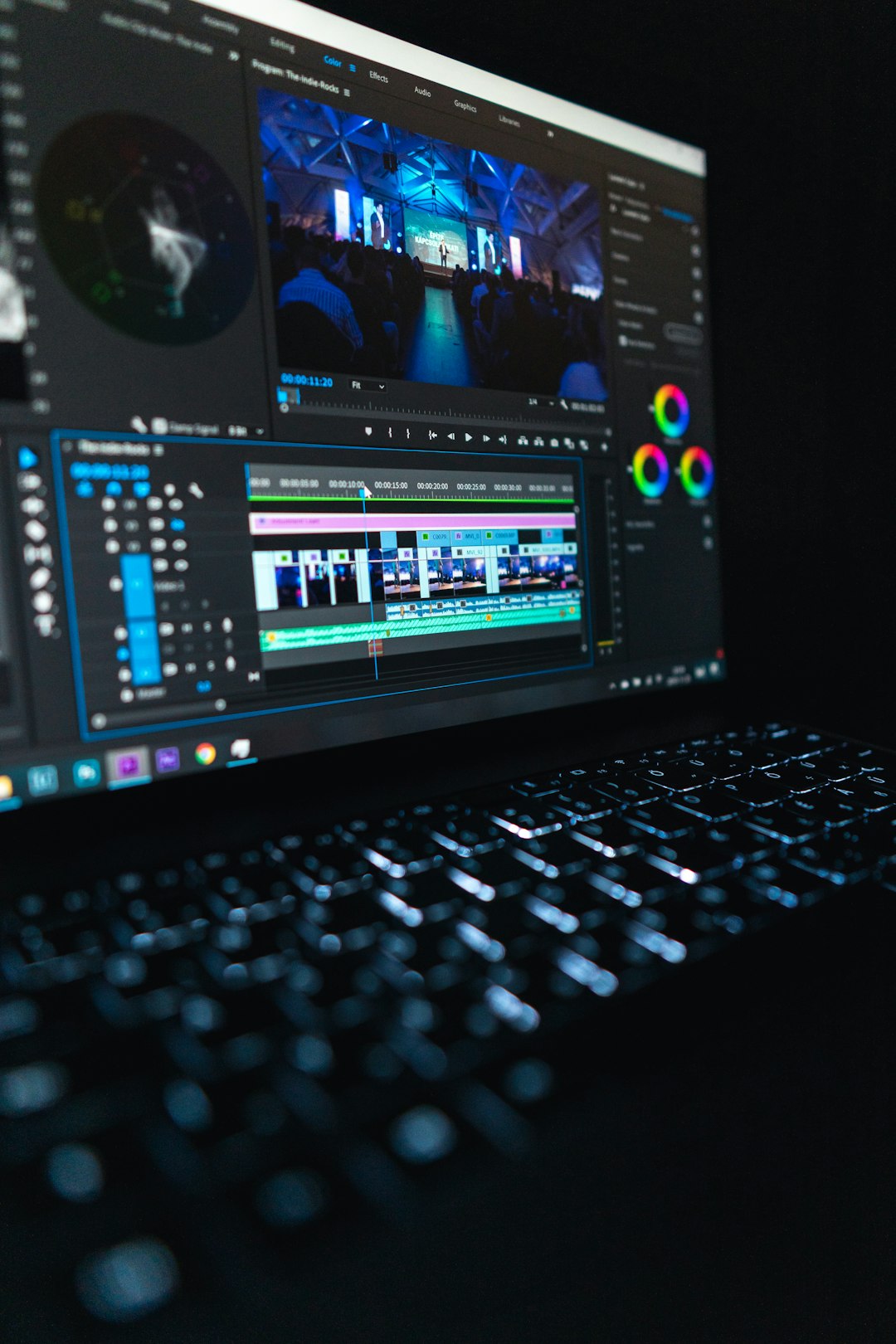
Makereels.ai provides a real-time preview of your creation. You can easily move scenes around, adjust voice timing, or re-generate sections using AI suggestions. There’s no need for advanced video knowledge—the intuitive drag-and-drop interface handles the complex tasks for you.
6. Export and Share
Once you’re happy with the final version, export the reel in the desired resolution and format. The system creates files optimized for:
- Instagram Reels (1080×1920)
- YouTube Shorts (vertical ratio)
- Facebook Stories
You also have the option to schedule publishing or send it directly to a connected social media account.
Best Practices For Creating Viral Reels With Makereels.ai
Users can increase the impact of their reels by following some content best practices while using Makereels.ai:
- Hook in the First 3 Seconds: Start strong to grab attention immediately.
- Add Captions: Around 85% of videos are viewed muted; captions ensure your message is still delivered.
- Leverage Trends: Use trending audio clips or meme formats provided within the platform.
- Call to Action (CTA): Encourage likes, follows, or site visits through clear in-video prompts.
With Makereels.ai’s intuitive system and AI-based recommendations, implementing these best practices becomes effortless.
Use Cases
Makereels.ai is highly beneficial for a wide range of users, including:
- Influencers: Generate fresh content daily without spending hours editing.
- Businesses: Showcase products, features, or testimonials quickly.
- Educators: Create informative yet entertaining reels to simplify concepts.
- Nonprofits: Share impactful stories with minimal resources.

Conclusion
For creators looking to scale their reel production without compromising on quality, Makereels.ai offers a game-changing solution. Its AI-driven platform makes it accessible and efficient for everyone—from hobbyist storytellers to major content managers. As platforms like Instagram and YouTube shift their focus to short-form video, Makereels.ai positions itself as one of the smartest tools in a content creator’s toolkit. Start creating today and let AI do the heavy lifting.
FAQs
- Is Makereels.ai free to use?
- Yes, Makereels.ai has a free tier with access to basic features. Premium versions offer advanced features, higher-quality exports, and additional templates.
- Can I use my own voice in the reels?
- Absolutely! You can upload your own voice recording or choose from several AI-generated voice options.
- What platforms are supported for reel export?
- Content can be exported in formats suitable for Instagram Reels, YouTube Shorts, TikTok, and Facebook Stories.
- Is there a mobile version of Makereels.ai?
- Currently, Makereels.ai is web-based but mobile responsive. You can access and use its features from a phone browser.
- Can I bulk-create content?
- Yes, the premium plan allows batch processing and scheduling, useful for agencies and brands.