



In a world flooded with data, understanding patterns, detecting trends, and visualizing relationships has become a critical part of analysis across education, business, and scientific research. One powerful yet often overlooked tool for achieving this is the humble scatter plot. When combined with the convenience and accessibility of modern web tools, the Online Scatter Plot Calculator emerges as a valuable asset for anyone working with data.
TL;DR
The Online Scatter Plot Calculator is a web-based application that allows users to quickly create scatter plots without needing advanced software. It is perfect for visualizing the relationship between two variables and identifying trends, clusters, or anomalies. These tools are widely accessible, often free, and support spreadsheet imports along with customizable settings. Whether you’re a student, teacher, analyst, or entrepreneur, they can greatly simplify your data analysis process.
What Is a Scatter Plot?
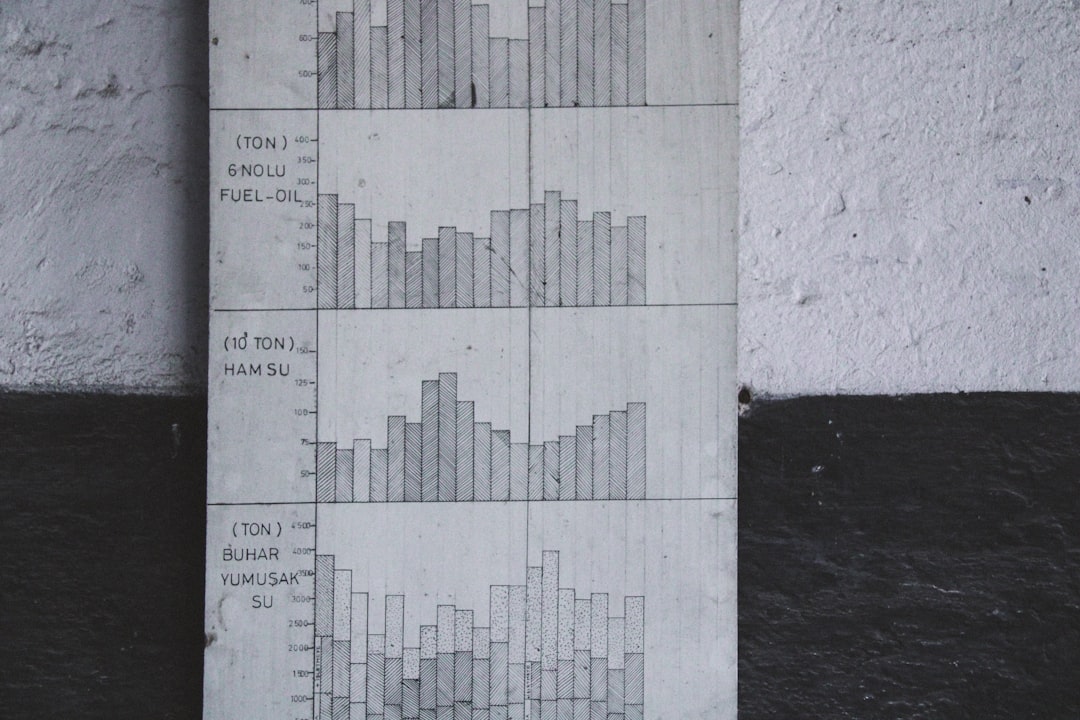
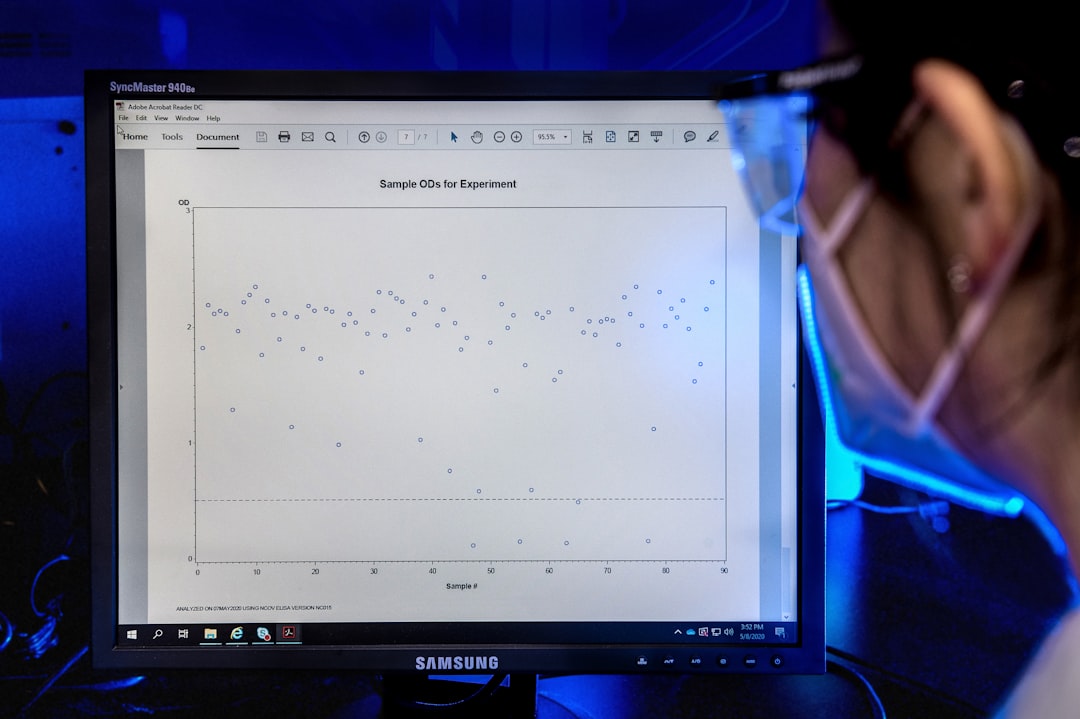
A scatter plot is a type of data visualization that uses dots to represent the values of two different numerical variables. Each dot represents a single data point where the x-coordinate corresponds to one variable and the y-coordinate corresponds to the other. By plotting multiple points, you can observe how the two variables relate—whether they show a linear correlation, a random scatter, or perhaps a clustered grouping.
Scatter plots are widely used in fields like:
- Statistics – to visualize correlation and regression analysis
- Education – to teach basic data interpretation
- Marketing – to identify customer behavior patterns
- Economics – to track trends between economic indicators
- Science – to analyze experimental results
Why Use an Online Scatter Plot Calculator?
While you can create scatter plots using spreadsheet software like Excel or Google’s Sheets, Online Scatter Plot Calculators offer streamlined functionality with several unique advantages:
1. Accessibility
You don’t need any software installation. Access your scatter plot tool from any device with a web browser—PCs, tablets, or smartphones. This makes it ideal for remote learning environments or field research settings.
2. User-Friendly Interface
These calculators typically feature clean, intuitive interfaces. Simply paste your data into the fields or upload a CSV file, and the calculator generates your scatter plot instantly.
3. Customization Options
Features like labeled axes, customizable colors, data point size adjustments, and regression line overlays enable users to tailor visuals for specific needs or presentation aesthetics.
4. Speed and Efficiency
Rather than fumbling with formulas and graph settings, everything is handled automatically. You get your chart in seconds, allowing you to focus on interpretation rather than formatting.
Key Features to Look For in a Scatter Plot Calculator
Not all online tools are created equal. Here are the essential features that a good scatter plot calculator should offer:
- Data Entry Options: Manual entry, spreadsheet import, or copy-and-paste from tables
- Axis Labels and Titles: The ability to name your axes and the overall chart
- Trend Line Addition: Regression lines (linear, exponential, etc.) can help clarify the relationship
- Interactive Zoom and Pan: For exploring different regions of the chart
- Download and Export: Save your charts as images or PDF files
- Mobile Compatibility: A responsive design that works on mobile screens
How to Use an Online Scatter Plot Calculator: Step-by-Step Guide
Let’s walk you through the process of using a basic tool:
- Collect your data: You should have two columns of numerical data—one for the X-axis and one for the Y-axis.
- Visit an online scatter plot calculator: Websites like Desmos, Meta-Chart, or www.plotly.com offer excellent scatter plot tools.
- Input your data: Either paste your numbers into the provided table or upload your CSV file.
- Customize your chart: Add axis labels, choose colors, or fit a trend line based on your needs.
- Review the scatter plot: Check for patterns, clusters, or outliers in the data points.
- Download or share: Once satisfied, export your chart or share the link.
Real-Life Applications of Scatter Plot Calculators
Let’s take a look at how this tool is making an impact across various domains:
1. In the Classroom
Teachers use online calculators to make dynamic charts that help students understand how changing values affect correlation. These tools offer real-time feedback and help improve engagement in statistics or science classes.
2. In Business Analysis
Marketers and economists can quickly visualize customer behavior patterns, ROI over time, or sales performance against price changes. This helps in drawing data-backed conclusions to drive decision-making.
3. In Scientific Research
Researchers often deal with huge datasets. Online scatter plot calculators enable them to quickly generate visuals that reveal potential relationships between chemical properties, biological variables, or geophysical indicators.
Understanding Regression in Scatter Plots
A standout feature of many modern calculators is the ability to add a regression line. This is a line that best fits the overall pattern of your data and helps you understand the nature and strength of the relationship between the two variables.
For example:
- A positive linear trend (sloping upwards) suggests both variables increase together.
- A negative linear trend (sloping downwards) suggests one variable increases as the other decreases.
- No visible trend means the variables likely aren’t correlated.
Understanding these can be crucial for predictive analytics and hypothesis testing.
Common Mistakes to Avoid
Though scatter plots are simple by nature, there are pitfalls users should be aware of when creating and interpreting them:
- Assuming Causation: Just because two variables are correlated does not mean one causes the other.
- Using Too Little or Too Much Data: Too little data may show misleading patterns; too much may cause clutter.
- Ignoring Outliers: Outliers can skew interpretations—identify and evaluate their impact appropriately.
- Improper Scaling: Not keeping consistent axes can distort the visual relationship between variables.
Resources and Tools to Explore
If you’re ready to dive deeper, here are some excellent online scatter plot calculators and tools that are worth exploring:
- Meta-Chart – Simple, intuitive, great for beginners
- Desmos – Interactive and favored in education settings
- Plotly Chart Studio – Advanced chart customization and interactive sharing
- GeoGebra – Great for math and science visualization
Conclusion
From the classroom to the boardroom, the Online Scatter Plot Calculator harnesses simplicity and power to unlock the stories hidden inside numbers. Whether you’re identifying statistical relationships or just trying to make sense of a business metric, this tool makes it easier and faster to visualize what your data is trying to tell you.
With the rise of cloud-based solutions and remote work, expect online plot tools to only gain in popularity. Best of all, you don’t need to be a data scientist to use them—just curious and ready to click.