


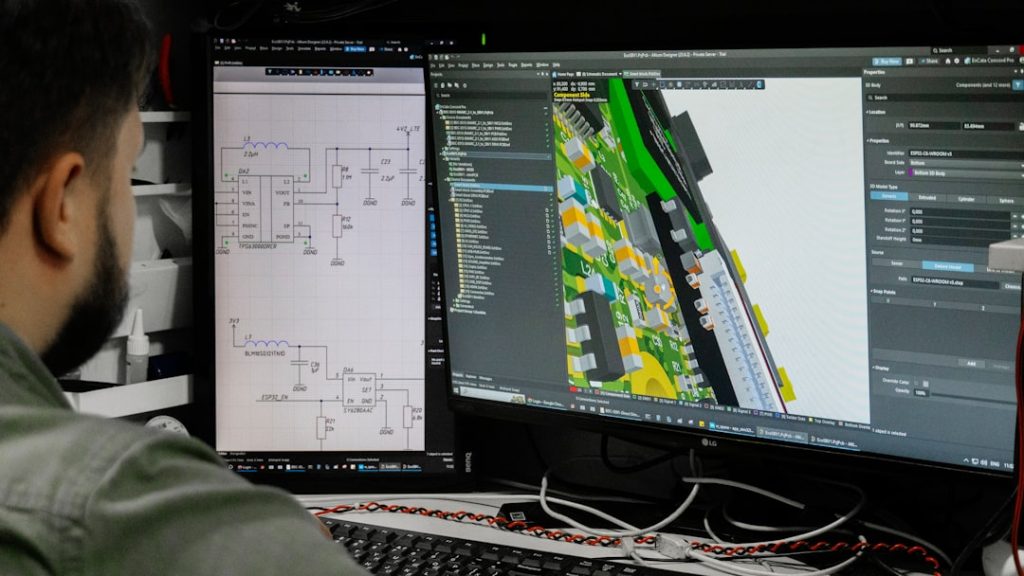
3D design is not just for big studios and blockbuster movies. It is for hobbyists. For engineers. For game makers. For product designers. And even for curious beginners. The problem? Most people use the same few popular tools. Meanwhile, some incredibly powerful tools sit quietly in the corner. Waiting to be explored.
TLDR: There are amazing 3D design tools that many creators overlook. Some are free. Some are lightweight. Some solve very specific problems brilliantly. In this article, you will discover six powerful yet underused 3D tools that can level up your workflow and spark new ideas.
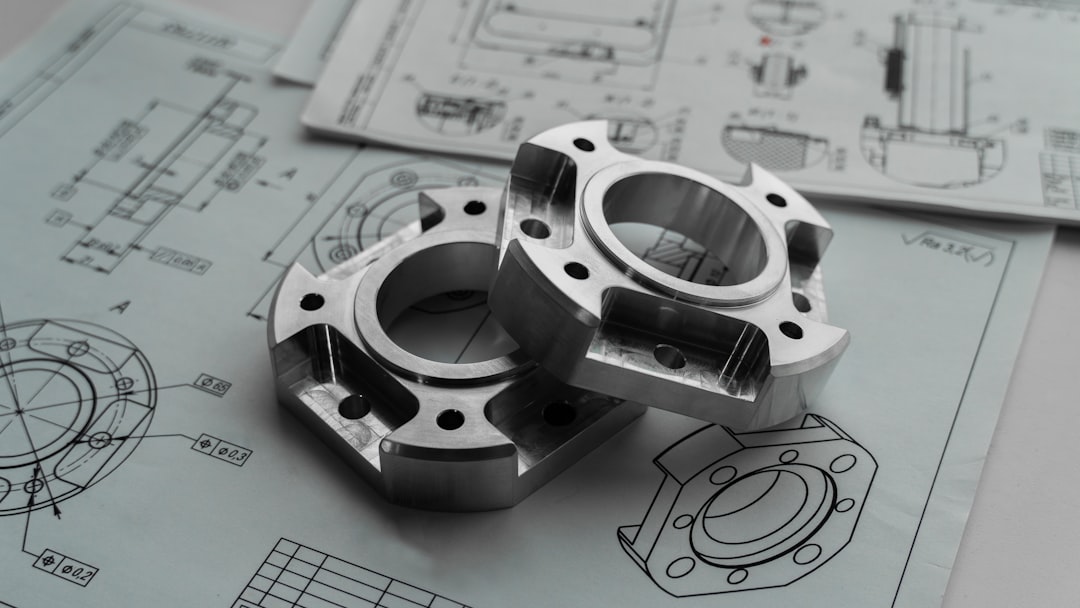
1. FreeCAD – The Quiet Engineering Powerhouse
When people think about 3D modeling, they often jump to big commercial CAD software. But FreeCAD deserves serious attention.
It is open-source. It is parametric. And it is completely free.
Parametric means you can change your design by editing numbers and constraints later. That is huge. You are not stuck reshaping everything from scratch.
Why is it underutilized?
- It looks intimidating at first.
- The interface is not flashy.
- It markets itself quietly.
But under the hood, it is powerful.
You can use it for:
- Mechanical parts
- Product prototypes
- 3D printing models
- Architecture concepts
If you enjoy precision and logic, this tool feels like home. It rewards careful thinking. And once it clicks, it really clicks.
2. Moi 3D – The Curve Master
Designers love smooth curves. But curves are hard. Especially in polygon-based modelers.
That is where Moi 3D shines.
Moi stands for Moment of Inspiration. And honestly, that name fits. It is built around NURBS modeling. That means you get clean, precise, beautiful curves.
It is especially great for:
- Industrial design
- Jewelry design
- Product visualization
- Concept art base meshes
What makes it underused?
- It is not as famous as mainstream 3D packages.
- Many artists do not understand NURBS.
- It looks simple, almost too simple.
But that simplicity is a strength. The interface is clean. The tools are focused. You spend more time shaping and less time fighting menus.
Many professionals use Moi quietly to create models. Then they export them into other software for rendering. It is like a secret weapon.
3. MagicaCSG – Boolean Magic Made Easy
Booleans can be messy. You combine shapes. You cut holes. You intersect forms. And suddenly your mesh explodes.
MagicaCSG takes a different approach.
It focuses on constructive solid geometry. That means you build complex models by adding and subtracting simple shapes.
No heavy toolbars. No complicated node networks.
Just primitives:
- Cubes
- Spheres
- Cylinders
- Cones
You stack them. Carve them. Adjust them.
It feels playful. Almost like digital Lego.
This tool is fantastic for:
- Hard surface modeling
- Game asset blockouts
- 3D printing experiments
- Quick concept shapes
And yes. It is lightweight. It runs smoothly. It does not demand a monster computer.
Sometimes limitations create creativity. MagicaCSG proves that.
4. Wings 3D – Old School but Gold
Wings 3D has been around for a long time. That may be why people overlook it. It is not new. It is not trendy. But it is solid.
Wings is focused on subdivision modeling. It gives you powerful mesh editing tools without overwhelming you.
No sculpt brushes. No animation systems. No complex rendering setup.
Just modeling.
It excels in:
- Character base meshes
- Stylized props
- Low-poly art
- Clean topology practice
The right-click context menus feel fast and intuitive. After a short learning period, modeling becomes smooth and direct.
Why do people ignore it?
- It lacks modern hype.
- The interface feels minimal.
- It does not try to be an all-in-one suite.
But that focus is refreshing. No distractions. Just pure modeling flow.
5. Houdini Indie – Not Just for VFX Wizards
Houdini has a reputation. Technical. Complex. Only for geniuses.
That scares people away.
Yes, Houdini is deep. Very deep. But Houdini Indie makes that power accessible to smaller creators.
The magic word here is procedural.
Instead of manually modeling every detail, you build systems. Change one parameter. The entire model updates.
You can create:
- Procedural cities
- Terrain generators
- Destruction simulations
- Complex patterns
And you can reuse those systems again and again.
It is underutilized because:
- The node networks look intimidating.
- There is a learning curve.
- Many think it is only for film effects.
But today, procedural workflows are everywhere. In games. In product design. In motion graphics.
Once you grasp the logic, it feels like building with smart blocks. You design the rules. The computer handles the repetition.
6. Clara.io – 3D in Your Browser
No installation. No heavy downloads. Just open your browser.
Clara.io runs entirely in the cloud.
That alone makes it interesting.
You can model, render, and even collaborate online. It works surprisingly well.
This makes it perfect for:
- Students on shared computers
- Quick project previews
- Remote teamwork
- Learning 3D basics
Because it lives in the browser, it is often not taken seriously. But it supports advanced materials, lighting setups, and structured scene building.
Sometimes convenience wins. And Clara.io is extremely convenient.

Why Underutilized Tools Matter
It is easy to follow the crowd.
Popular tools are popular for a reason. They are powerful. They have big communities. Lots of tutorials.
But underutilized tools offer something different.
- Unique workflows
- Less competition
- Creative limitations
- Fresh inspiration
When you try something new, you break habits. You see problems differently. You discover shortcuts others miss.
Many professional designers mix tools. They do not stay loyal to just one. They pick the best tool for each job.
That is smart.
How to Choose the Right One
Do not install everything at once. That leads to overwhelm.
Instead:
- Pick one tool that solves a specific problem you have.
- Spend one week exploring it.
- Build a small project with it.
- Decide if it fits your workflow.
Keep it simple.
If you do mechanical design, try FreeCAD.
If you love clean curves, test Moi 3D.
If you enjoy logic systems, explore Houdini Indie.
If you want simple, focused modeling, open Wings 3D.
If you love playful shape building, experiment with MagicaCSG.
If you need instant access anywhere, try Clara.io.
Final Thoughts
The world of 3D design is bigger than it looks.
Some tools are loud. Others are quiet.
The quiet ones are not weak. They are just waiting.
You do not need the most expensive software to create amazing work. You need curiosity. Patience. And the willingness to explore.
Try one of these underutilized tools. Break your routine. Make something small.
You might discover a new favorite.
And that is where real creativity begins.