


Starting a podcast used to feel complicated. You needed fancy gear. Expensive software. And way too much technical knowledge. Not anymore. Today, podcasting apps make recording and editing feel smooth, simple, and even fun. Whether you’re a beginner or a seasoned host, the right tool can save you hours and headaches.
TLDR: You don’t need complicated software to launch a great podcast. Apps like Spotify for Podcasters, Riverside, Descript, and GarageBand make recording and editing easy, even for beginners. Each tool offers simple workflows, smart editing features, and built-in publishing options. Pick the one that matches your style, skill level, and budget—and start recording.
Let’s explore four podcasting apps that make recording and editing effortless.
1. Spotify for Podcasters (Previously Anchor)
If you want the easiest way to start a podcast, this is it.
Spotify for Podcasters is built for beginners. But don’t let that fool you. It still has enough features to keep experienced creators happy.
Why people love it:
- It’s free.
- You can record directly from your phone or laptop.
- It distributes your podcast to major platforms automatically.
- Built-in editing tools are simple to use.
The interface is clean. No clutter. No confusion. You hit record. You talk. You edit with simple drag-and-drop tools. That’s it.
It also includes background music and transition sounds. No need to search for audio files elsewhere.
Image not found in postmetaThis app is perfect if you:
- Are just starting out
- Want everything in one place
- Prefer recording on your phone
- Don’t want to pay upfront
The downside? Editing is basic. If you want advanced audio control, you may outgrow it.
Best for: Beginners who want simple and fast podcast publishing.
2. Riverside
If audio and video quality matter to you, take a look at Riverside.
This app is famous for recording high-quality audio and video locally. That means even if your internet connection is shaky, your recording stays crisp.
That’s a big deal.
Here’s what makes Riverside stand out:
- Records separate audio and video tracks for each guest
- Studio-quality audio up to 48kHz
- 4K video recording
- AI-powered editing tools
- Text-based editing options
You can invite guests with a simple link. No complicated setup. They join from their browser.
The separate tracks are a lifesaver. If one guest coughs or their dog barks, you can clean it up easily without affecting everyone else.
Riverside also includes automatic transcriptions. You can edit your episode like a text document. Delete a sentence in the transcript, and it removes from the audio. Magic.
Keep in mind: Riverside is more powerful, which means there’s a learning curve. It’s not hard. But it’s not as instant as mobile-only tools.
Best for: Remote interviews, video podcasts, and creators who want professional-level quality.
3. Descript
Editing audio used to be intimidating.
Not with Descript.
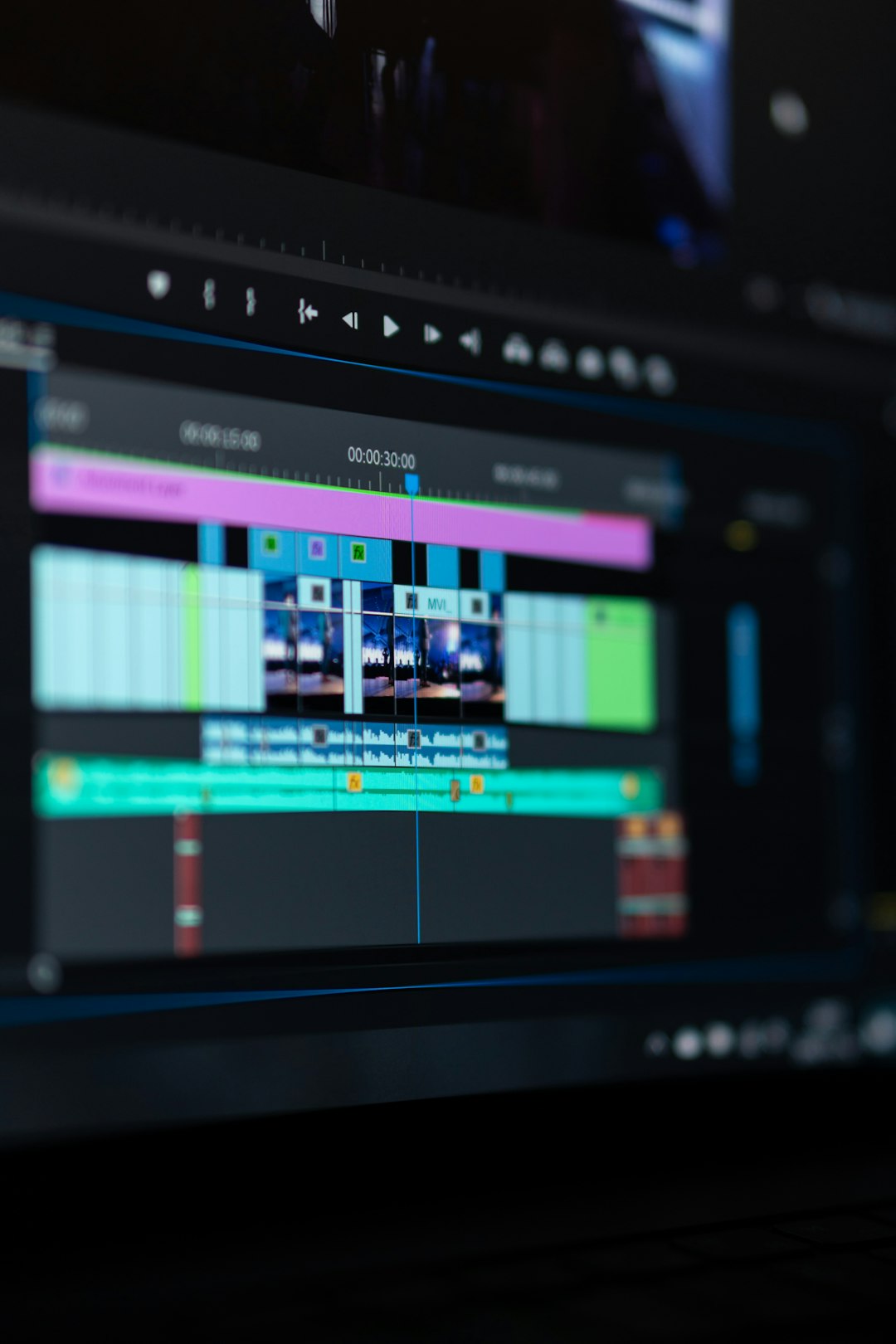
Descript turns your podcast into text. Then you edit the text like a Word document. Seriously. It feels like editing a blog post.
Delete a word? It disappears from the recording. Move a paragraph? The audio moves with it.
Cool features you’ll love:
- Text-based editing
- Automatic transcription
- Filler word remover (goodbye “um” and “uh”)
- Overdub voice cloning for corrections
- Screen recording included
The filler word remover is a fan favorite. With one click, you can remove awkward pauses and repeated words.
Made a mistake? Instead of re-recording, you can use Overdub to fix small errors. It recreates your voice. It feels futuristic.
This makes Descript especially useful for:
- Story-driven podcasts
- Scripted shows
- Interview-based content
- Creators who edit heavily
One thing to note: Because Descript does so much, it may feel overwhelming at first. But once you understand the workflow, it’s incredibly fast.
Best for: Creators who want powerful editing without traditional audio complexity.
4. GarageBand
If you use a Mac, you already have a powerful podcasting tool.
GarageBand is free on Apple devices. It’s known for music production. But it also works beautifully for podcasts.
It gives you more control than beginner apps. But it stays approachable.
Why GarageBand is great:
- Multi-track editing
- High-quality audio effects
- Noise reduction tools
- Drag-and-drop workflow
- Large library of music and loops
You can adjust levels. Add intro music. Layer background sounds. All without complex settings.
The visual timeline makes editing clear. You see exactly where cuts happen.
However, GarageBand doesn’t handle podcast hosting. You’ll need to upload your finished file to a separate platform.
Best for: Mac users who want more control without paying for premium software.
Quick Comparison Chart
| App | Best For | Ease of Use | Editing Power | Video Support | Price |
|---|---|---|---|---|---|
| Spotify for Podcasters | Beginners | Very Easy | Basic | Limited | Free |
| Riverside | Remote Interviews | Moderate | Advanced | 4K Video | Paid Plans |
| Descript | Text-Based Editing | Moderate | Very Advanced | Yes | Free + Paid Plans |
| GarageBand | Mac Users | Easy to Moderate | Advanced | No | Free (Apple) |
How to Choose the Right One
Still unsure?
Ask yourself these simple questions:
- Are you recording solo or with guests?
- Do you want video or just audio?
- How much editing will you do?
- Are you on Mac, Windows, or mobile?
- What’s your budget?
If you want simple and free, go with Spotify for Podcasters.
If quality matters most, choose Riverside.
If you love editing through text, try Descript.
If you’re a Mac user who wants control, open GarageBand.
Final Thoughts
Podcasting doesn’t need to be complicated.
You don’t need a studio. You don’t need expensive gear. And you don’t need to be a tech expert.
The right app removes friction. It makes recording smooth. Editing simple. Publishing fast.
The most important step? Just start.
Your voice matters. Your story matters. Pick your tool. Hit record. And let the world hear what you have to say.